
High‑Fidelity AI Mockups. Character‑Consistent. Design‑Perfect.
Generate on‑brand scenes, edit by instruction, and apply your designs with true folds and occlusions. Built for speed, realism, and control.
Generate
Ask for specific elements and styles. Get diverse, on‑brand scenes with seasonal context.
Edit by Instruction
Make precise changes (like removing a tattoo) while preserving character identity.
Apply & Export
Manual 4‑point control or one‑click auto‑apply. Export retail‑ready mockups.
Mockup Studio
Professional design workspace
Precision Application
Choose your flow—pin‑point accuracy or one‑click speed.
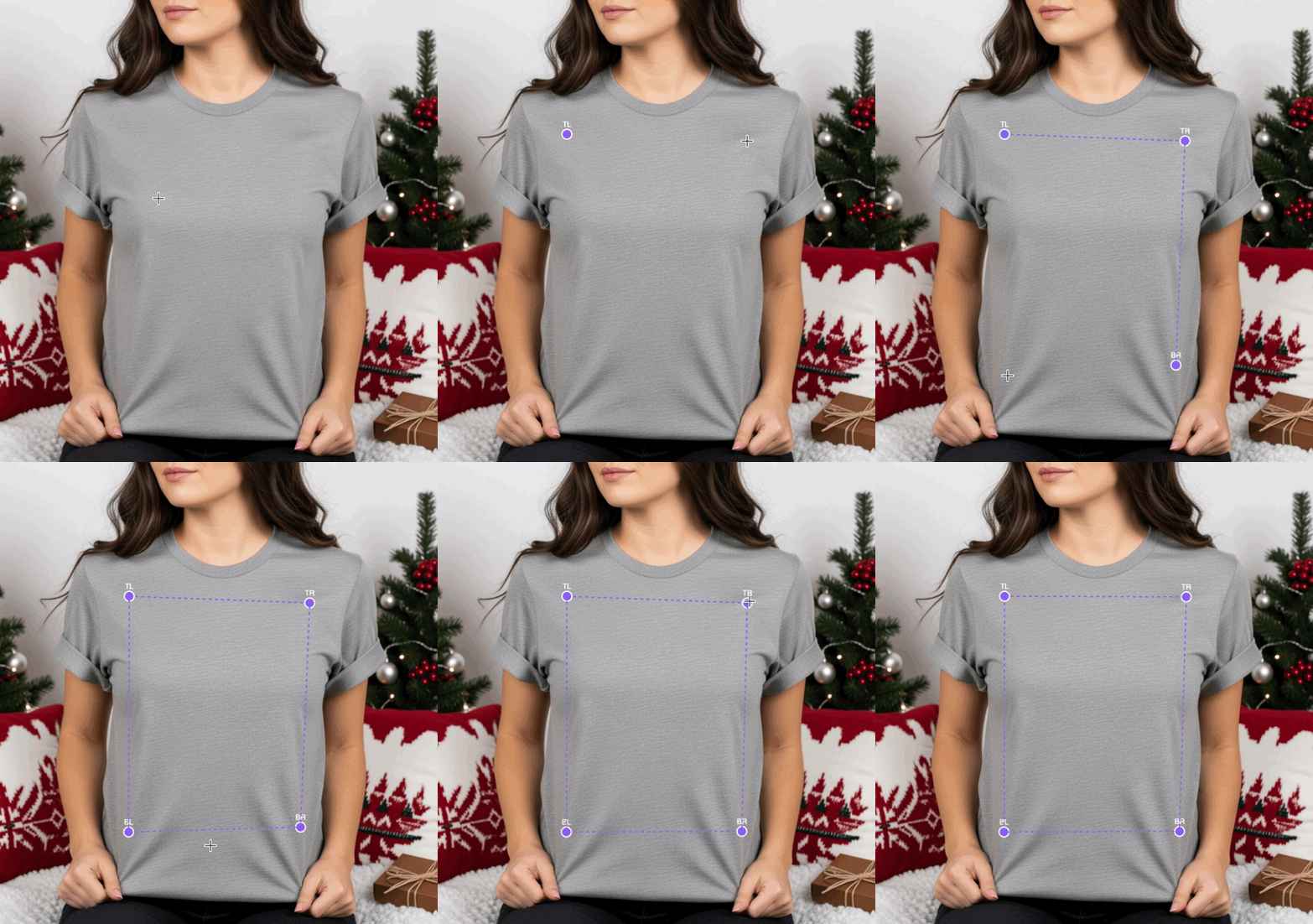
Manual Apply
- • 4 corner points for perfect perspective
- • Flexible sizing and placement
- • Advanced creative control
Automatic Apply
- • Pick any saved design
- • One‑click placement with folds/occlusions
- • Instant retail‑ready export
Edit with Character Consistency
Describe your change and preserve identity from edit to edit. Example: remove the tattoo from the model.

Finished edit shown right
True‑to‑Life Colors
Choose Comfort Colors and Bella+Canvas references to match product colors 1:1—or upload your own and match any hex code.
Reference colors for 1:1 product matching
Retail‑Ready Results
Real folds, natural shadows, correct occlusions.
Frequently Asked Questions
Everything you need to know about Mockup Studio
What file formats does Mockup Studio support?
Mockup Studio accepts PNG, JPG, and SVG design files. Generated mockups export as high-resolution PNG files ready for e-commerce listings, social media, and print catalogs.
Can I match specific garment colors like Comfort Colors or Bella+Canvas?
Yes. Mockup Studio includes color reference libraries for popular blank brands. You can also input custom hex codes to match any specific color you need.
How does the character-consistent editing work?
When you make edits like removing a tattoo or changing hair color, Mockup Studio preserves the model identity across changes. The same person appears in every variation.
What is the difference between Manual Apply and Auto Apply?
Manual Apply gives you 4-point perspective control for precise placement. Auto Apply uses AI to detect the garment and place your design with realistic folds and occlusions automatically.
Can I generate mockups with different backgrounds and settings?
Absolutely. Describe the scene you want—studio lighting, outdoor settings, seasonal themes—and Mockup Studio generates diverse, on-brand scenes for your products.
Is there a limit on how many mockups I can create?
Mockup generation is included in all plans. Free tier users get a limited number of generations per month. Paid plans include higher limits or unlimited mockups depending on the tier.
Mockup Studio is part of the DesignGen AI platform
Explore how creators and businesses use DesignGen to design, visualize, and sell apparel
Generate custom t-shirt designs with AI
Create unique designs in seconds. Perfect for print shops, POD sellers, and brands.
Learn moreAI Apparel DesignerDesign for hoodies, crews, and more
Expand beyond t-shirts. Create cohesive collections across all garment types.
Learn morePOD AI DesignAI design tools for print on demand
Built specifically for POD sellers. TrendTap research plus AI generation.
Learn more