
Released 4/22/2026
DesignGen v2.6 Release Notes
- DesignGen Ultra Max just got a major upgrade. It now delivers sharper detail, stronger realism, cleaner text rendering, more polished product imagery, and more precise edits across every image workflow. The result is a higher-fidelity creative experience for everything from brand visuals and mockups to marketing assets, UI concepts, product photography, and conversion-focused content.
- Whether you are creating from scratch or transforming an existing image, Ultra Max gives you more control and a stronger final result. Inside Creative Studio, that means better concept development, cleaner ad creative, stronger mockups, and more premium campaign assets.
- For your marketplace on DesignGen, it means sharper listing visuals, better product presentation, and a more elevated brand presence.
- With Screenshot to Design, you can turn inspiration into polished, usable creative faster. And with Operator, you can go from idea to finished asset with less friction and more confidence in the output.
Why This Matters
- This update makes Creative Studio more consistent, gives Operator a cleaner and more reliable image engine to work with, improves Screenshot to Design handoffs, and helps sellers create stronger visuals for their DesignGen marketplace products, listings, mockups, and brand assets with less guesswork.
What's New
- Ultra Max has been upgraded across both generation and editing for stronger detail, better realism, cleaner typography, and more precise transformations.
- Generation, reference image workflows, Screenshot to Design, and image editing now run through one centralized generation engine.
- Standard has been upgraded and is now more accessible for everyday iteration.
Ultra Max
- Ultra Max is now the highest-end image option inside DesignGen.
- It is built for users who want the most polished results across text-to-image, reference-based generation, Screenshot to Design, and advanced edits.
- That means better concept art, stronger brand visuals, cleaner ad creative, sharper product mockups, more premium listing images, and higher-end creative output across Creative Studio.
- It also gives Operator a more capable engine for end-to-end creative execution, from first concept to finished asset.
One-Click Screenshot To Design
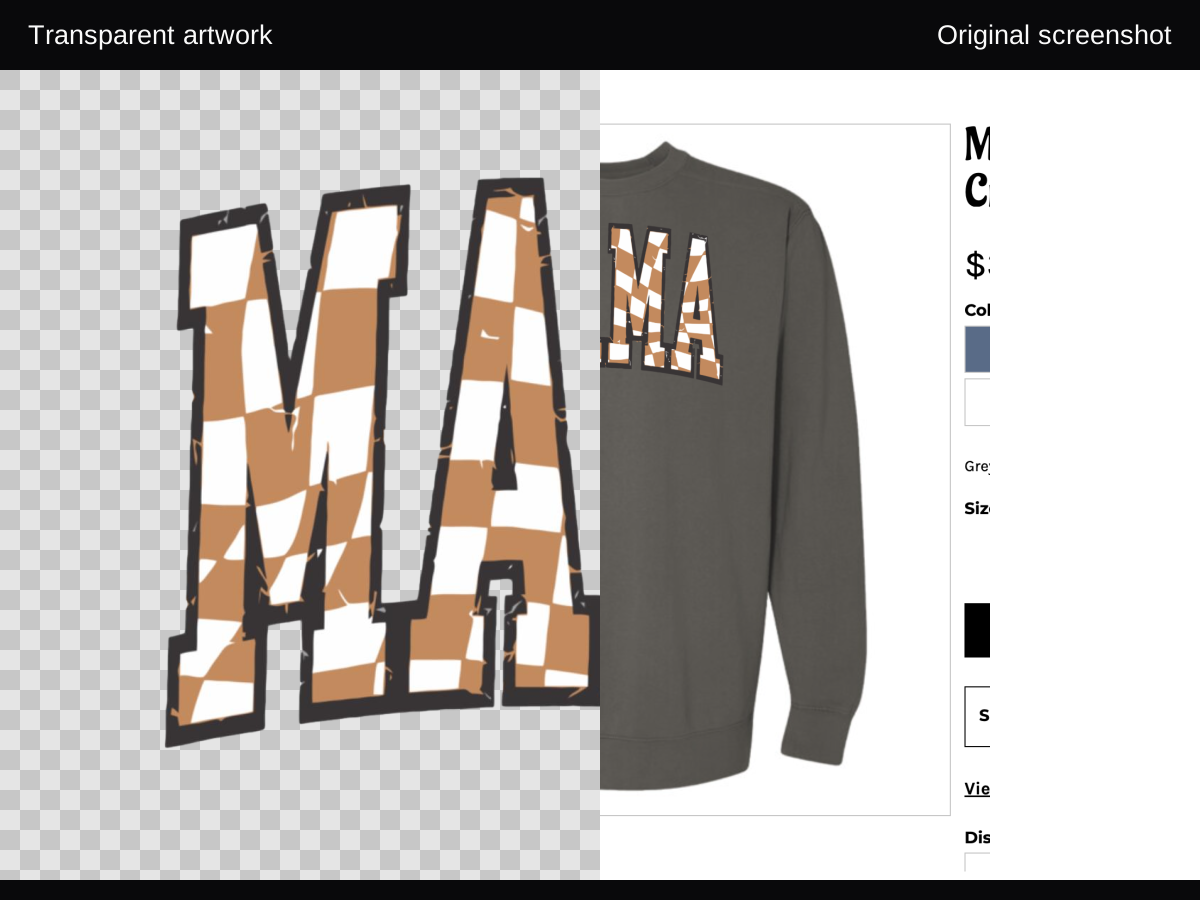
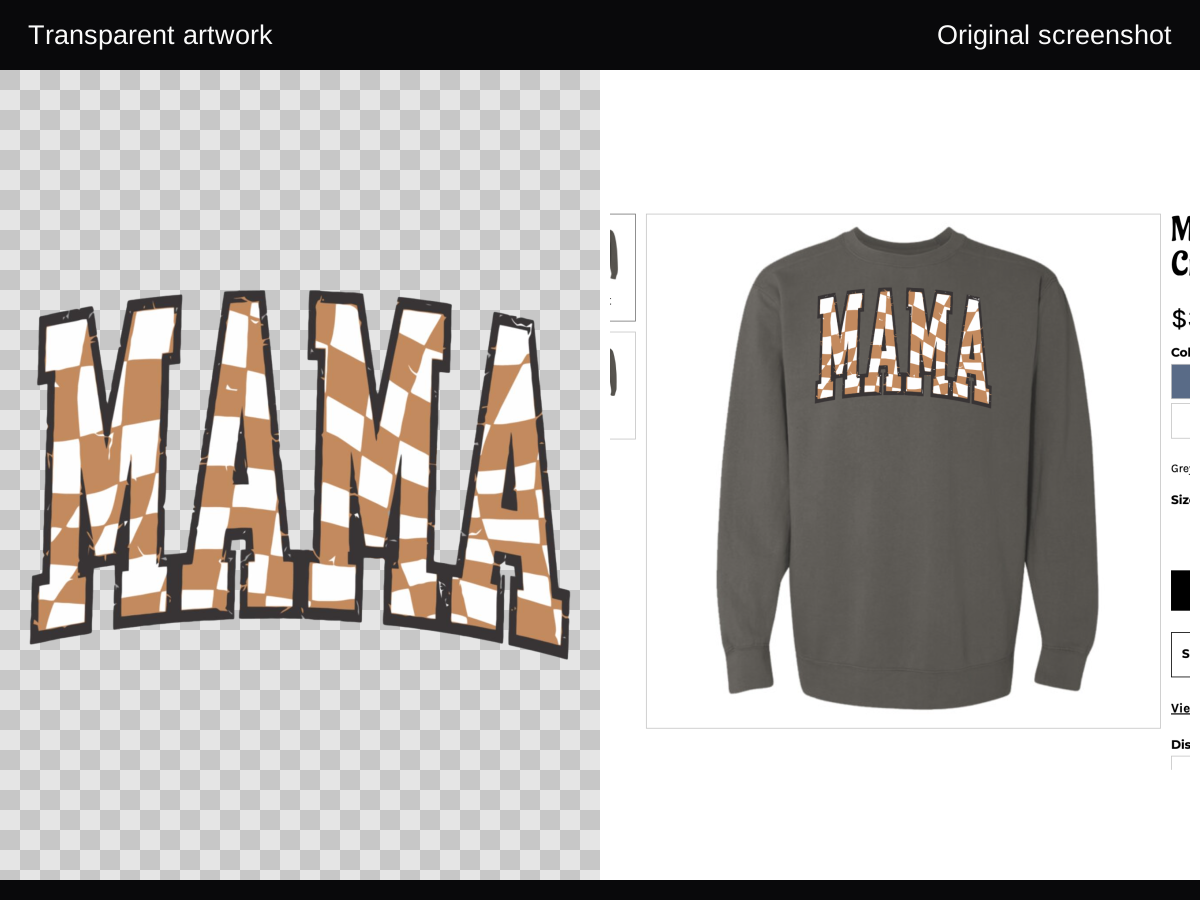
- Image Studio now makes the Ultra Max value obvious in one click: start with a printed-shirt screenshot and recover a clean, export-ready artwork file without rebuilding the design by hand.
- This is built for the common real-world case where the only reference is a shirt photo, a blurry mockup, or an already-printed design that needs to be cleaned up fast.
- Use it when you need a stronger handoff from inspiration or garment photo to a file you can actually download, export, and print.
Screenshot To Design Consistency
- Screenshot to Design now gives you a wider, more reliable range of model choices. Standard can maintain coherence from even difficult screenshots, while Premium and Ultra add more refinement, and Ultra Max is available when you need the most polished results for the highest-complexity designs.
- Previously, Ultra Max was the go-to option for many Screenshot to Design workflows. With this update, Standard can now handle the majority of designs with ease, giving you more room to explore concepts before moving to higher-end passes.
- Recommended: Try first with Standard, then reroll with Premium if needed. Use Standard and Premium to generate creative ideas and concepts, and use Ultra Max when you need the most refined final output.
Unified Image Experience
- All major creation surfaces now use the same logic for quality tiers, output sizing, and workflow behavior.
- In practice, that means the quality level you choose behaves more predictably across prompt-based generation, reference image workflows, screenshot-driven creation, and edits.
- This creates a smoother experience from idea to finished asset, especially for users building creative for their store, brand, or marketplace inside DesignGen.
Quality And Reliability
- DesignGen v2.6 also includes a major cleanup of the image stack behind the scenes.
- Every active tier, mode, and size combination now runs through the same shared system, with stronger validation across UI states, request handling, success states, and error handling.
- Try Operator today in beta.