
Help CenterBrand Knowledge Base
Brand Knowledge Base
Adding Knowledge from Interviews, Notes, Websites, and PDFs
Updated March 19, 2026
4 min read
At a glance
| Topic | Details |
|---|---|
| Best for | Choosing the right intake method based on where the information already lives. |
| Start here | Pick the source type first: interview, pasted notes, PDF, or website import. |
| Outcome | Cleaner knowledge entries, less cleanup, and fewer facts that get trapped in one person’s head. |
Open it now
Before you start
- Choose the input method based on the source you already have, not the one that sounds most advanced.
- Pick scope deliberately. It changes where the information is allowed to influence later work.
- Remember that website import starts from
/v4/brand-studio/new, not from an existing brand’s Knowledge Base page.
| Input path | Use it when | What to watch for |
|---|---|---|
| Interview | The information mostly lives in a founder or marketer’s head. | The voice session needs to be live, and you still review the generated draft before saving it. |
| Paste notes | You already have rough text such as briefs, messaging notes, or product notes. | Clean up title, wording, and scope before you save the draft. |
| PDF upload | The source is already a document such as a deck, one-pager, or product sheet. | Uploads go straight into processing instead of stopping for draft review first. |
| Website import | A public site already says a lot of the story and can seed both brand and knowledge work. | Treat the result as a draft and review it before applying. |
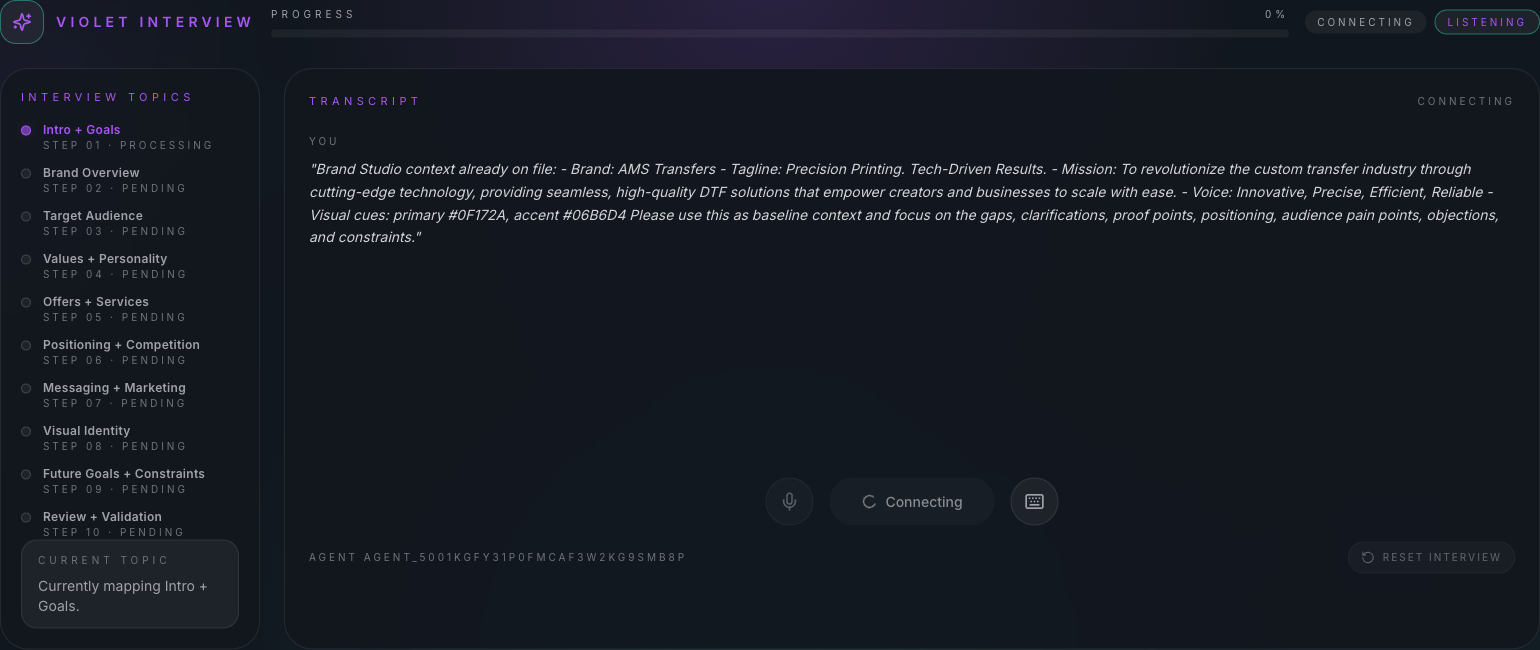
Interview is the best path when follow-up questions are needed to uncover missing context.
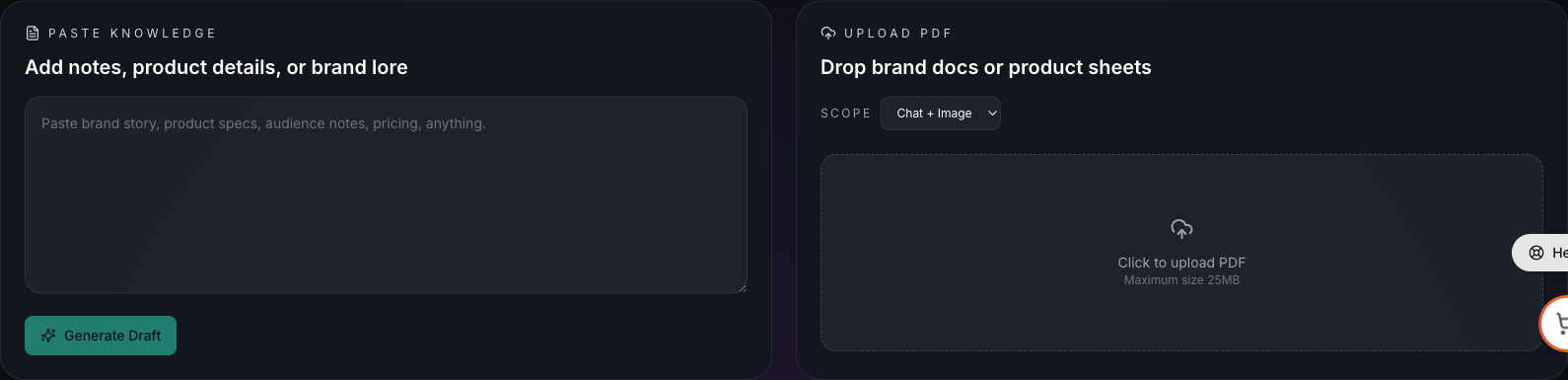
Paste is fastest for rough text. PDF upload is best when the information already exists as a finished document.
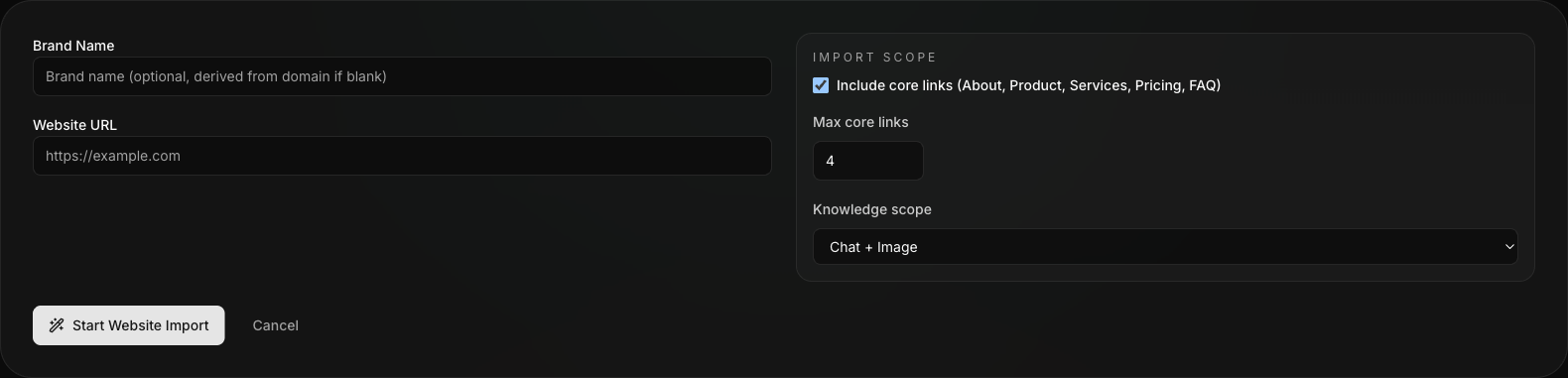
Website-based knowledge intake starts from the Create Brand flow, not from the knowledge page of an existing brand.
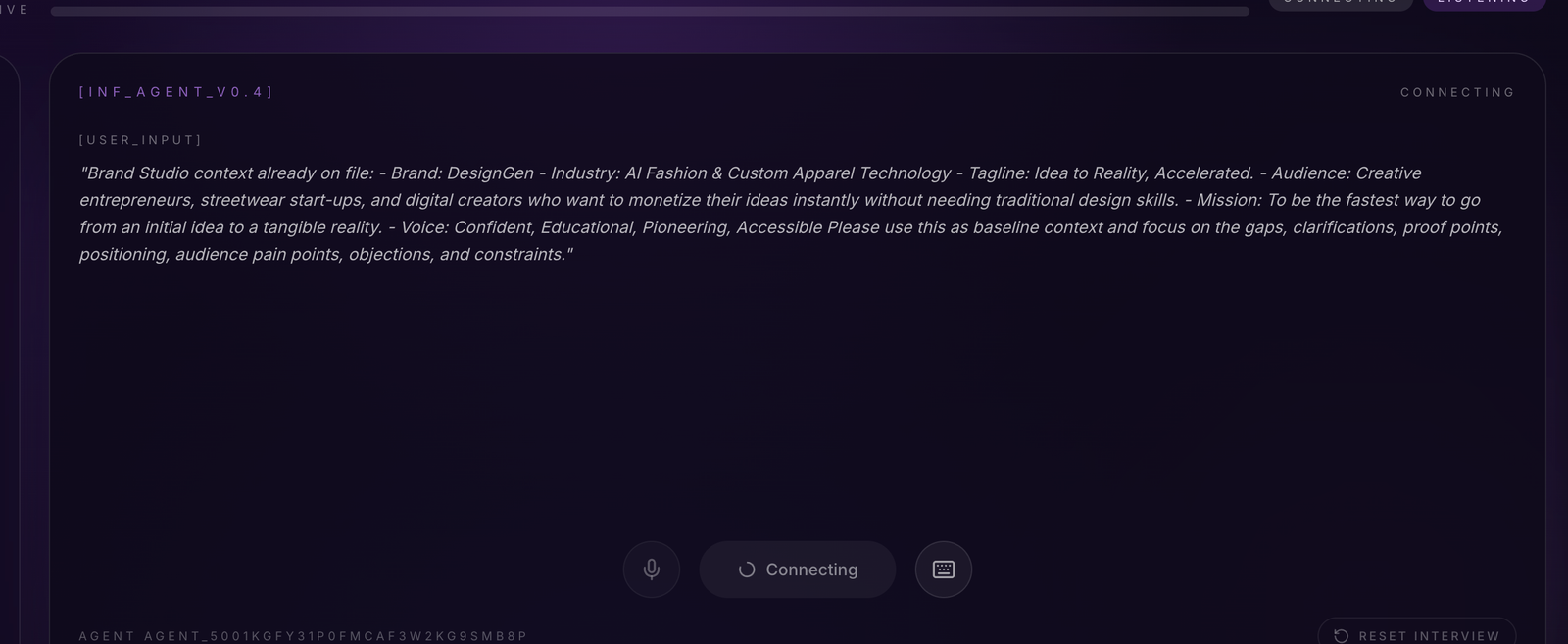
Transcript review is where people usually catch the missing nuance or bad wording before saving the final knowledge entry.
Interview: step by step
- Open Knowledge Base Studio for the brand.
- Review the interview topics so you know what the session is trying to collect.
- Click Begin Session to start the live voice interview.
- Answer out loud. You can also type while the voice session is live if you need to clarify something.
- Pause, resume, or end the session as needed.
- When the interview is complete, generate the draft and review the transcript-derived content before you save it.
Paste notes: step by step
- Paste the notes into the Paste knowledge area.
- Click Generate Draft.
- Review the generated title, wording, and scope.
- Edit anything that sounds vague, repetitive, or too broad.
- Save only the information that should matter again later.
PDF upload: step by step
- Choose the right Scope before you upload.
- Click the PDF upload area and add the document.
- Wait for processing to finish.
- Review the resulting source status and retry only if the upload fails.
Important PDF behavior: PDF uploads do not stop for a manual draft-review step first. They go straight into processing.
Practical intake rules
- Use Interview when discovery matters.
- Use Paste notes when the content exists but needs cleanup.
- Use PDF upload when the source already exists as a document.
- Use Website import when a public site is the fastest trustworthy draft source.
Example: Founder call notes versus product PDF
- Use Interview when the founder keeps adding context out loud and the system needs to follow up.
- Use PDF upload when the product sheet already contains the facts clearly and you mostly need ingestion, not discovery.
Visual walkthrough
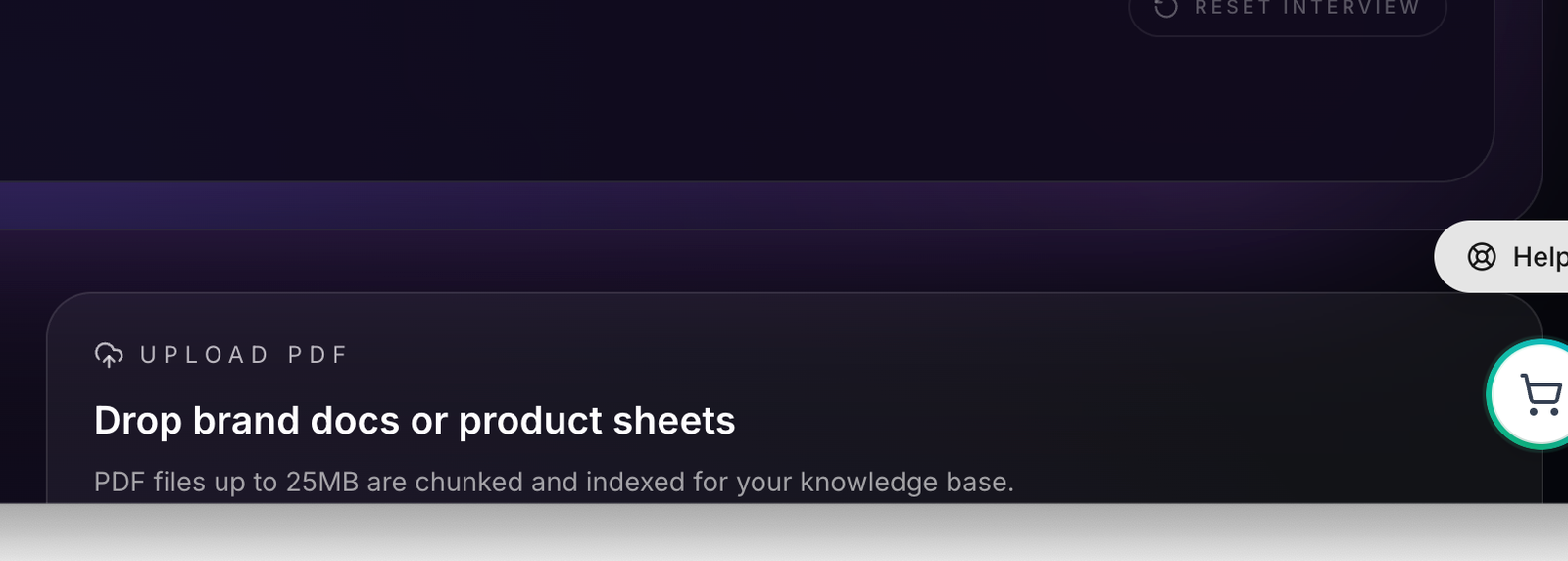
Use uploads for PDFs and source files when the facts already live in a document instead of a conversation.