
Help CenterBrand Knowledge Base
Brand Knowledge Base
Importing a Website into Brand Studio and the Knowledge Base
Updated March 19, 2026
3 min read
At a glance
| Topic | Details |
|---|---|
| Best for | Fast setup when a public website already contains useful copy, offer language, and visual signals. |
| Start here | Open Create Brand and choose Import Existing Website. |
| Outcome | A draft style guide, a draft knowledge package, and a crawl result you can review before applying. |
Open it now
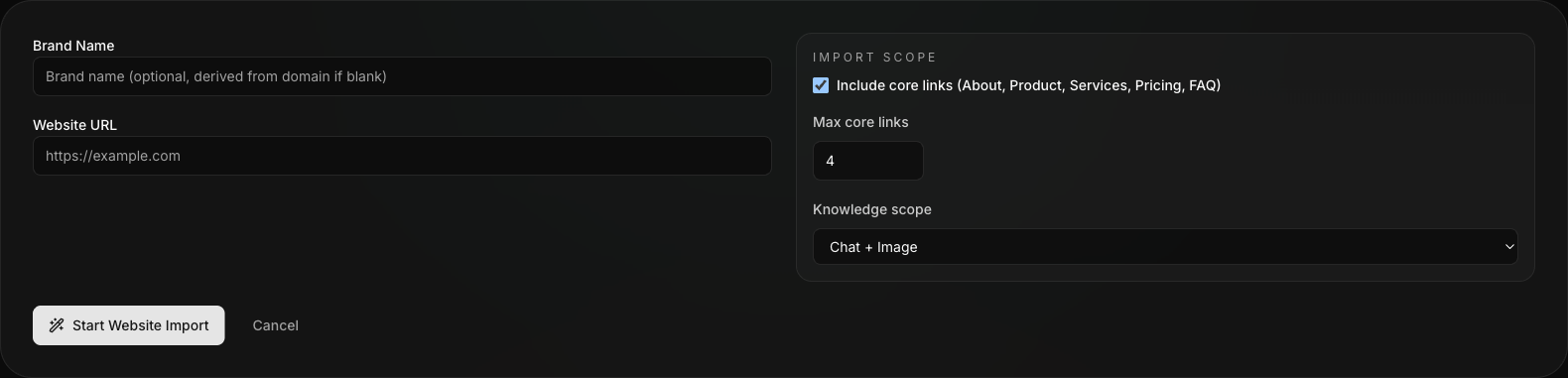
Website import begins from the Create Brand flow and asks for the crawl inputs up front.
Before you start
- Use a public
https://site only. - Website import is available from
/v4/brand-studio/new, not from an existing brand’s knowledge page. - The better the site reflects the real brand, the better the draft will be.
What website import produces
- A new brand record.
- A draft style guide.
- A draft knowledge package.
- A crawl result showing what was attempted and what succeeded or failed.
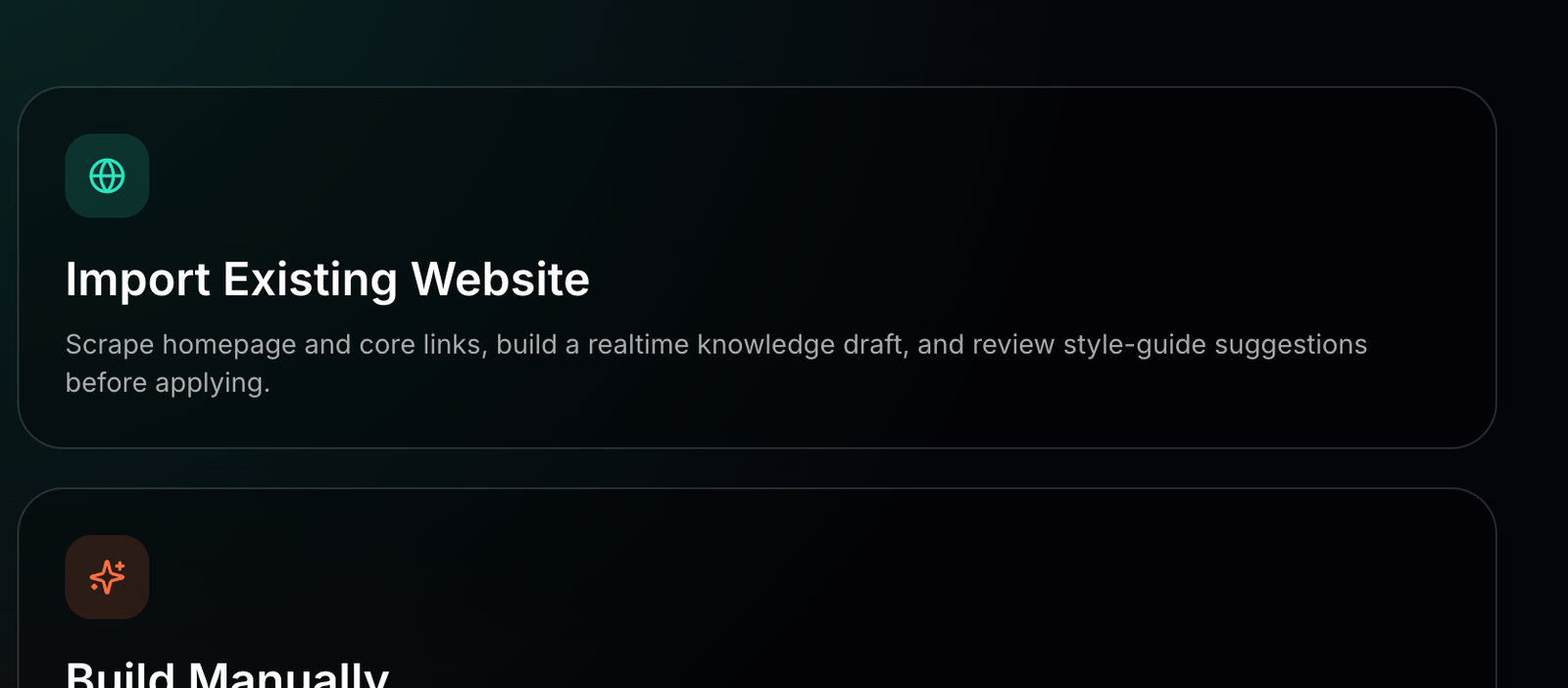
Choose this path only when the site is already a decent source of truth for the brand.
Step-by-step
- Choose Import Existing Website.
- Enter the website URL and optional brand name override.
- Choose whether to include core links.
- Set how many core links to follow.
- Pick the knowledge scope.
- Start the import and wait for the draft to finish.
- Review the draft fields before you apply anything.
- Apply the style guide and save the knowledge draft.
- Open the Brand Editor or Knowledge Base Studio immediately if more cleanup is needed.
Use the crawl result: The crawl result tells you whether the import succeeded broadly or only partially. Do not skip that check.
What to review before applying
- Tagline and mission.
- Audience description.
- Primary and secondary colors.
- Heading and body fonts.
- Voice traits.
- Knowledge wording that sounds too generic or too broad.
When website import is the wrong tool
- The site is private, unfinished, or mostly placeholder copy.
- The public site does not reflect the current brand direction anymore.
- The real source of truth lives in internal docs, interviews, or a launch deck instead.
Example: Using a marketing site as the fast start
A team already has a marketing site but not a cleaned-up brand system inside DesignGen.
- They run website import.
- They keep the strong draft sections.
- They fix the vague parts in the brand editor.
- They save the missing offer rules in the Knowledge Base before starting production work.
Visual walkthrough
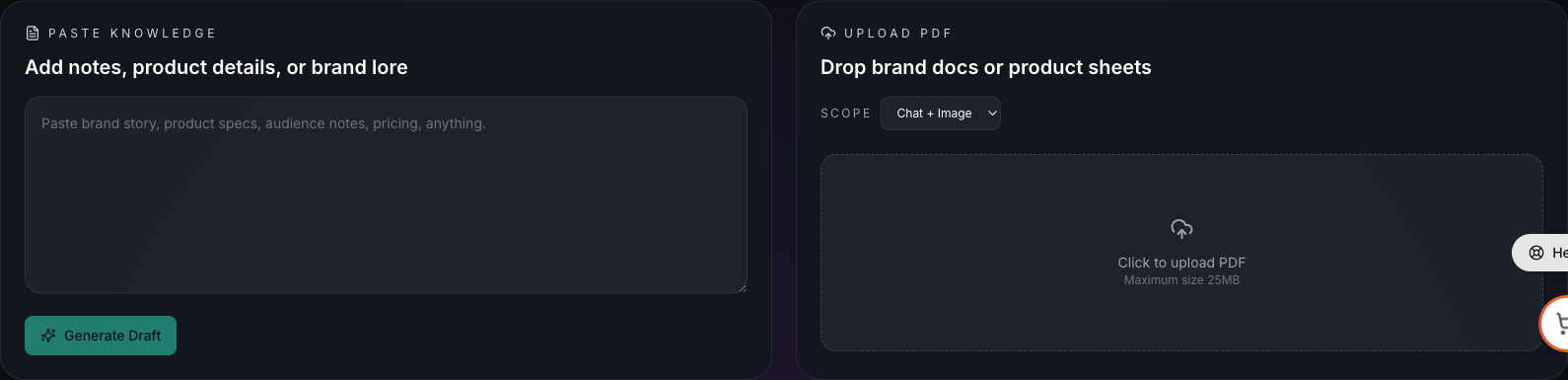
Use Add Sources when you need to bring the same site or supporting material into the reusable knowledge layer.
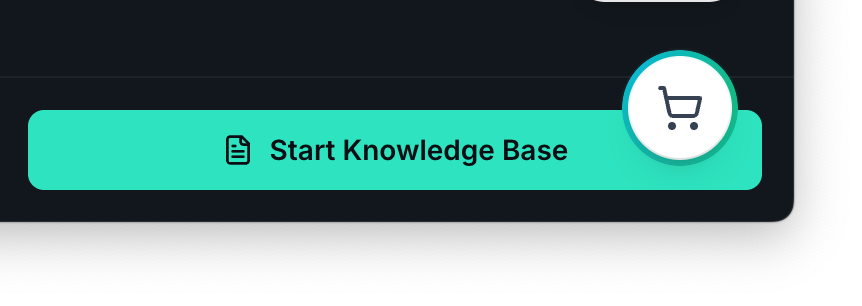
Move into the Knowledge Base after the brand import when you need durable facts, not just style tokens.
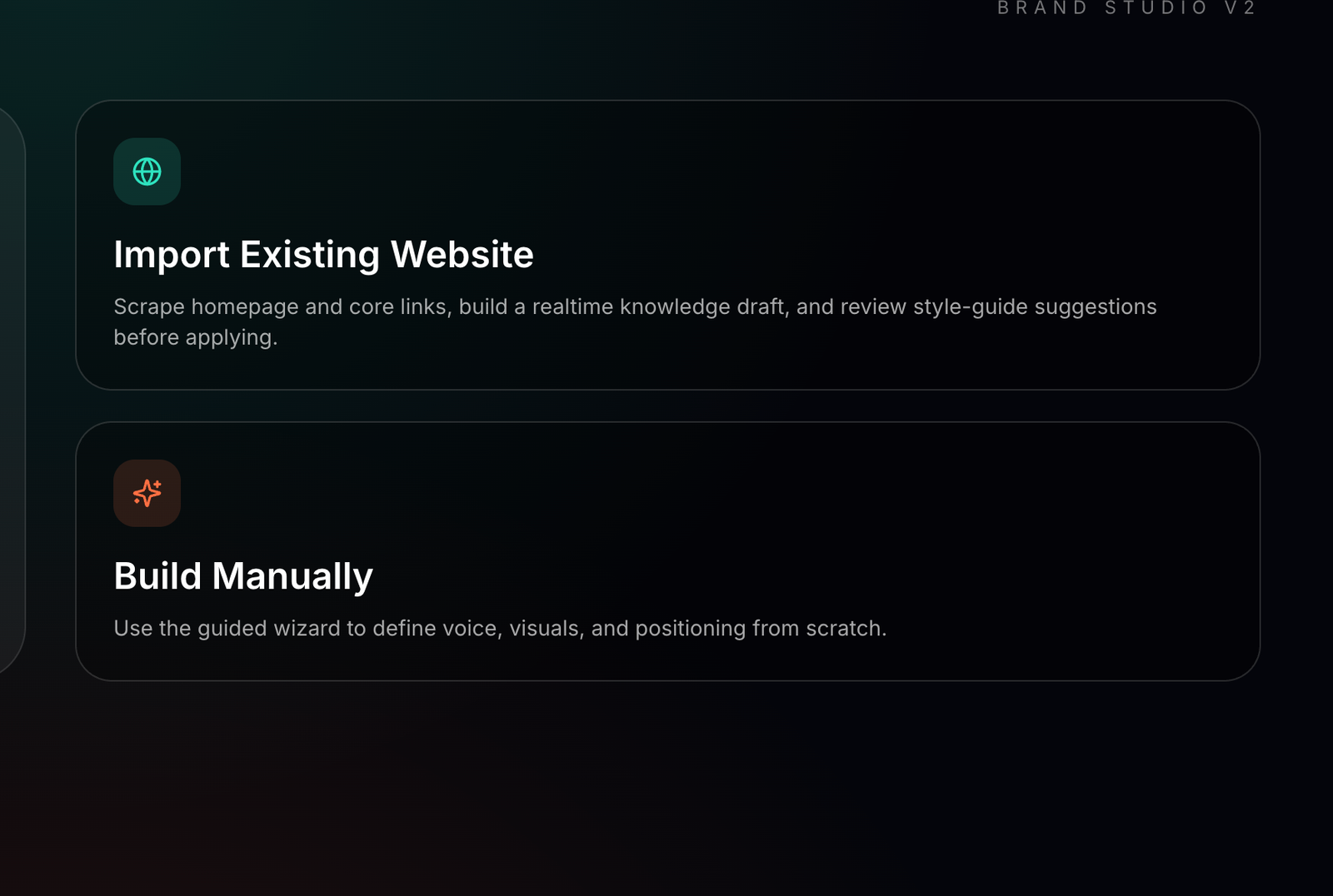
The setup paths screen helps teams choose the right starting method before they commit to a website import.