
Help CenterBrand Studio
Brand Studio
Brand Studio Overview and Brand Library
Updated March 19, 2026
4 min read
At a glance
| Topic | Details |
|---|---|
| Best for | Creating, organizing, and selecting the brand that should drive future work. |
| Start here | Open the Brand Library before you create, activate, clone, archive, or delete anything. |
| Outcome | A cleaner working set of brands and a safer handoff into Operator and Creative Studio. |
Open it now
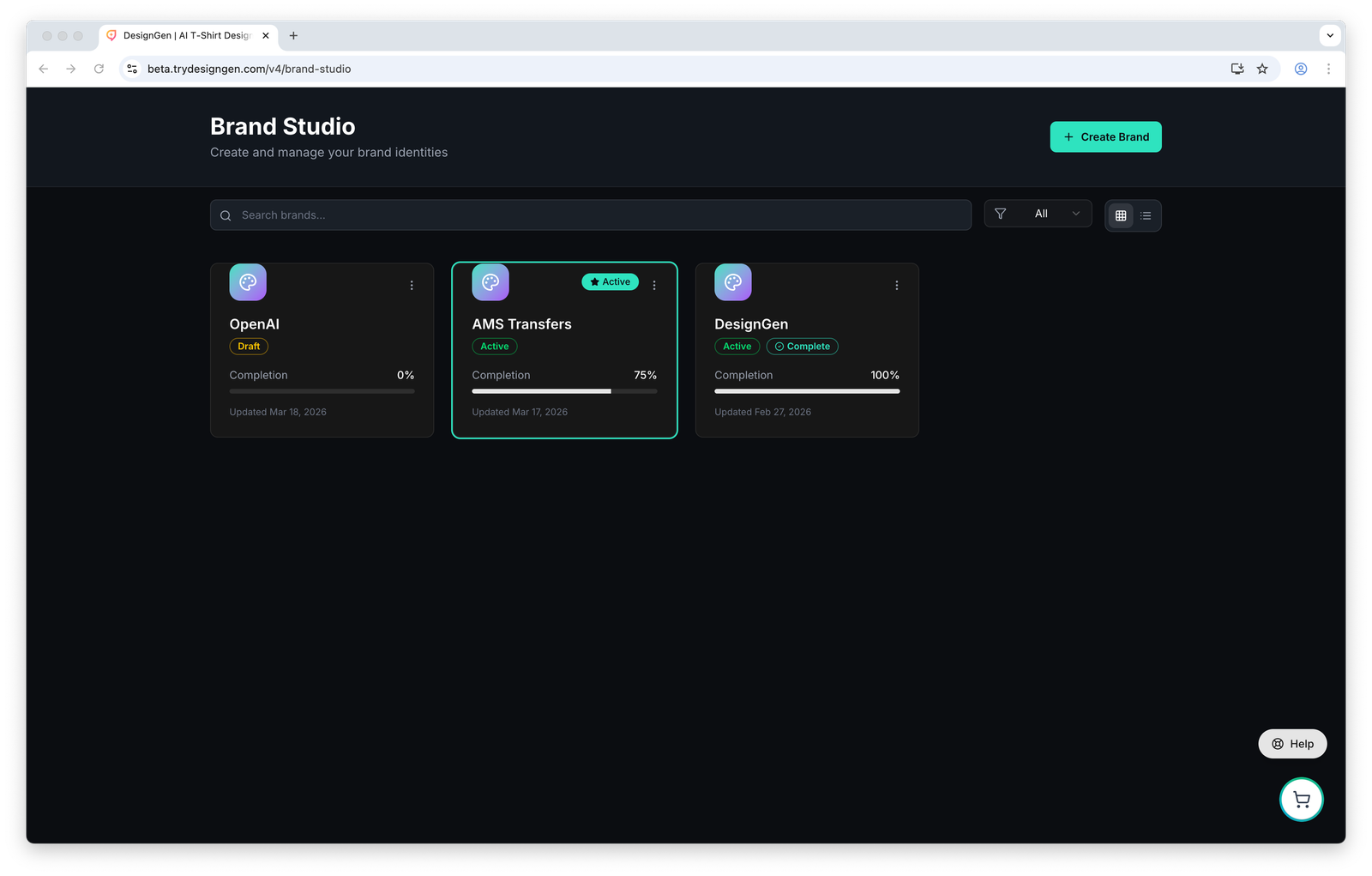
The Brand Library is the home base for reusable brands, not a one-time setup screen.
Before you start
- Treat each brand card as a working system, not just a label.
- Use clone when you want a close starting point for a campaign, sub-brand, or seasonal variation.
- Use Active intentionally. It changes what later workflows prefer by default.
What the Brand Library tells you at a glance
- The brand name.
- Whether the brand is Draft, Active, or Archived.
- The completion percentage.
- When the brand was last updated.
- Whether the brand is the current Active brand for the workspace.
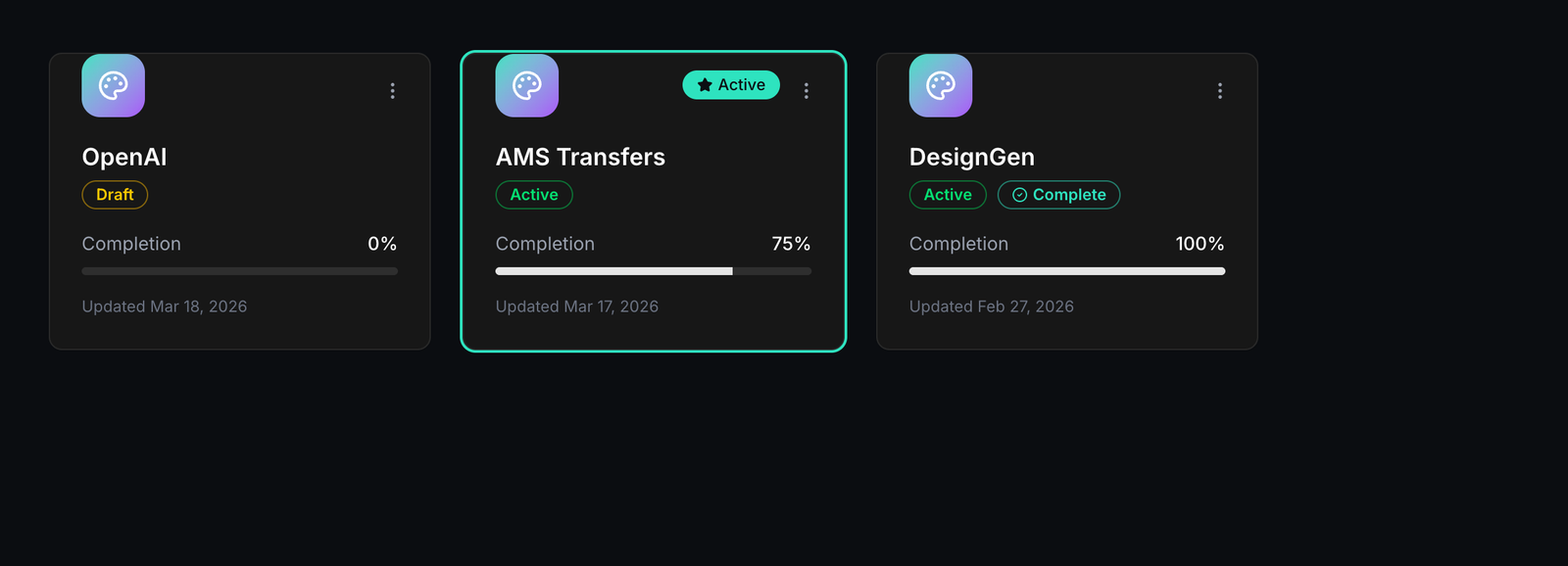
Each card should answer one question quickly: open it, activate it, clone it, archive it, or leave it alone.
Use the library in this order
- Search first if you think the brand already exists.
- Check the card status and completion percentage before you open or activate it.
- Open the editor when you need to change the brand system itself.
- Use the card menu to clone, archive, or delete only after you are sure you are touching the correct brand.

Search and filters matter once your workspace has more than a handful of real brands.
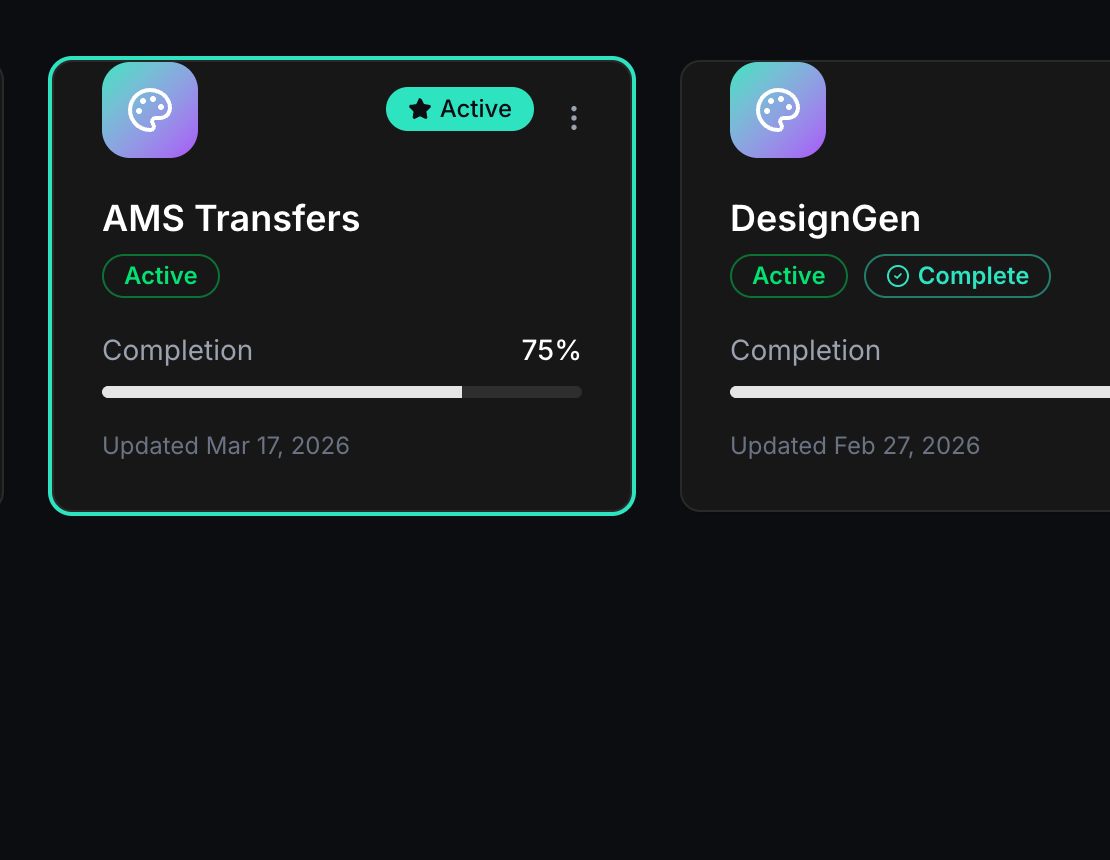
The Active badge is not cosmetic. Operator and Creative Studio use it as a default hint.
What to do with each status
| Status | What it usually means | Recommended action |
|---|---|---|
| Draft | The brand is still being built or reviewed. | Keep it out of production work until the core sections are usable. |
| Active | This is the default brand for upcoming work. | Use it for current projects, then switch only when another brand should take over. |
| Archived | The brand is not part of the active daily working set. | Keep it for history unless you are certain it should be deleted. |
Recommended team workflow
- Keep the evergreen working brand Active unless a launch-specific brand should take over.
- Use Draft for experiments that are not ready to drive production.
- Clone instead of overwriting when you want a close variation for a new campaign or sub-brand.
- Archive old brands before deleting anything permanent.
Example: Managing a core brand and a seasonal launch brand
A team has one core company brand and one short-term holiday campaign brand.
- They keep the core brand in the library year-round.
- They clone it for the holiday launch.
- They change the campaign-specific visuals and offer language in the cloned brand.
- They mark the holiday brand as Active until the campaign ends.
- They archive it afterward instead of deleting the history.
Archive versus delete: Archive when the brand should leave the daily working set. Delete only when you are certain you never want it again.
Visual walkthrough
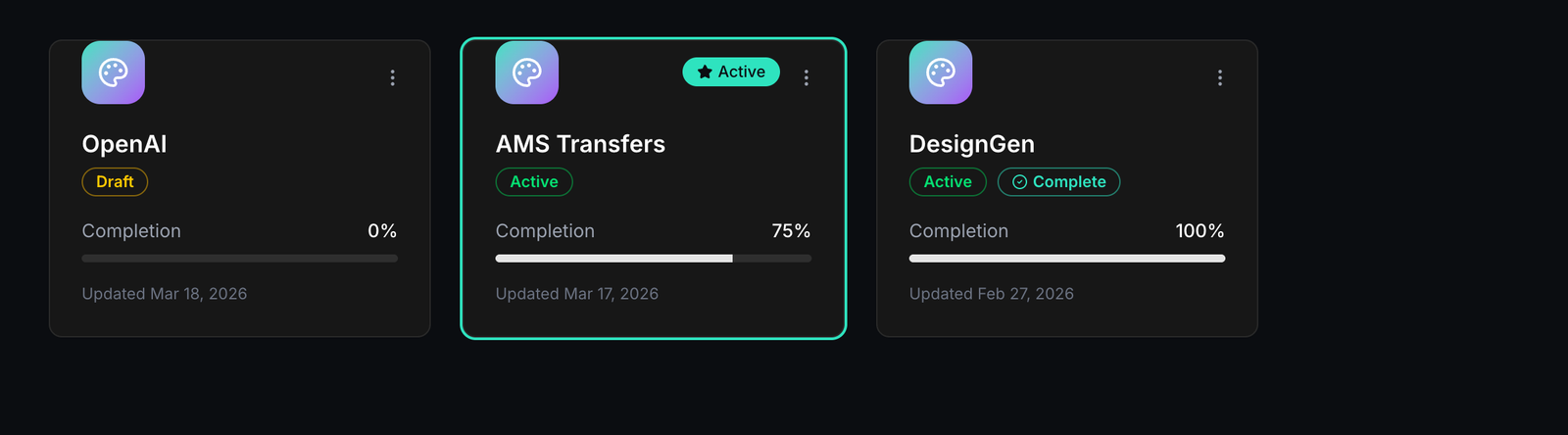
Status cards help you decide whether a brand is still being built, ready for production, or ready to archive.