
How Operator Studios Work Together
At a glance
| Topic | Details |
|---|---|
| Best for | Learning which studio owns the brand, which one stores business facts, and which one is meant for live project work. |
| Start here | Begin in Brand Studio if the brand is still fuzzy. Begin in Operator or Creative Studio only after the brand and key facts are usable. |
| Outcome | Less prompt-repeating, less off-brand output, and fewer projects that have to be rebuilt from scratch. |
Open it now
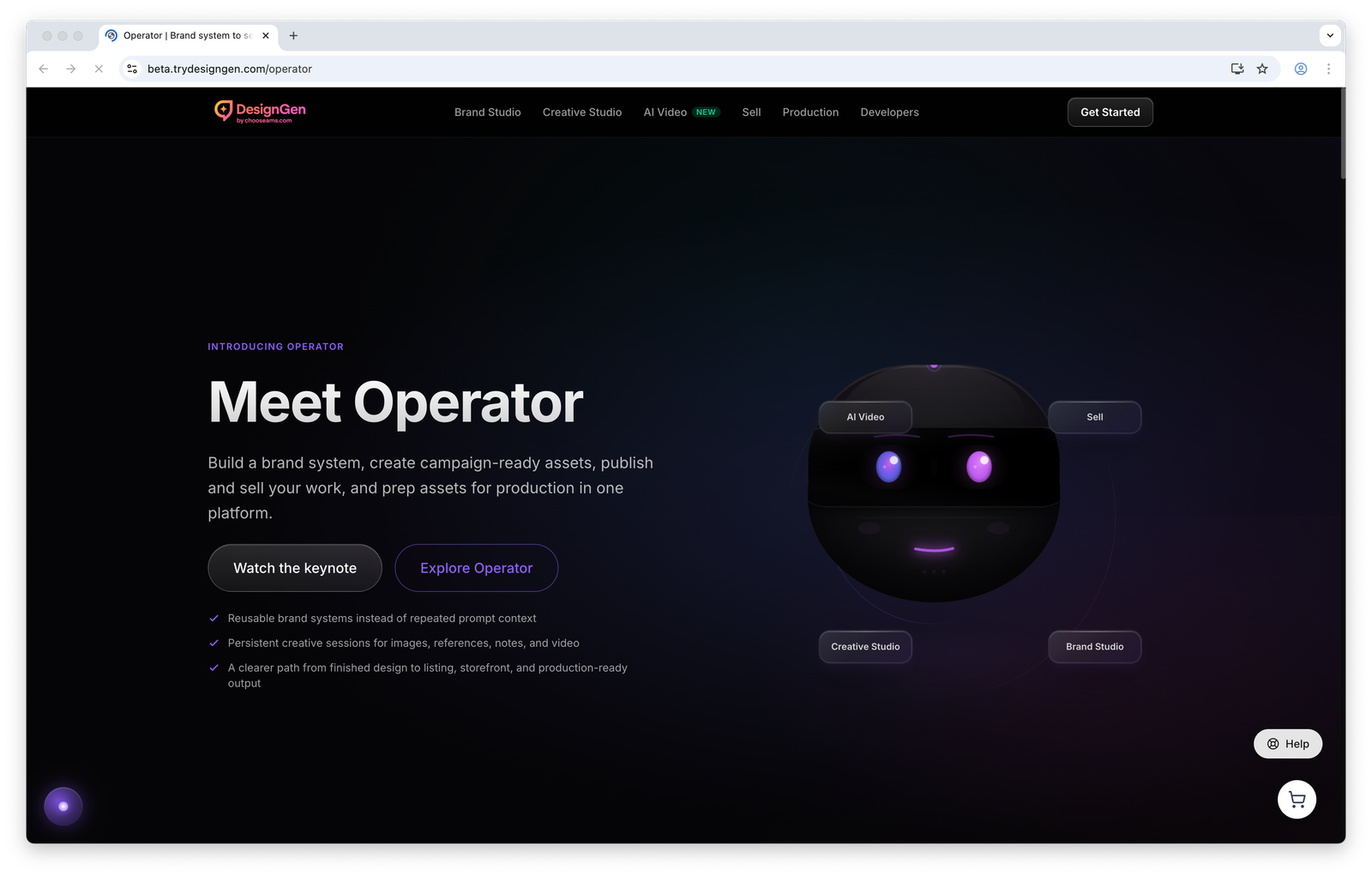
Use the overview as orientation only. Real work usually starts in the app routes listed below.
Before you start
- Think of DesignGen as three layers: brand system, reusable knowledge, and live production work.
- Do not treat one good chat as durable memory. If a fact should help again later, save it in the Knowledge Base.
- Do not use Creative Studio to repair a brand that is still undefined. Fix the brand first, then generate.
What each studio owns
- Brand Studio owns the reusable style system: identity, voice, color, type, imagery, layout, and logos.
- Brand Knowledge Base owns reusable business facts: offers, audience pain points, product details, approved claims, proof points, and constraints.
- Creative Studio owns campaign execution: briefs, references, image generations, companion copy, and follow-up work inside one session.
- Operator owns live orchestration: asking for the next step, uploading context, approving tools, and deciding whether work belongs in Brand Studio, Knowledge Base, or Creative Studio.
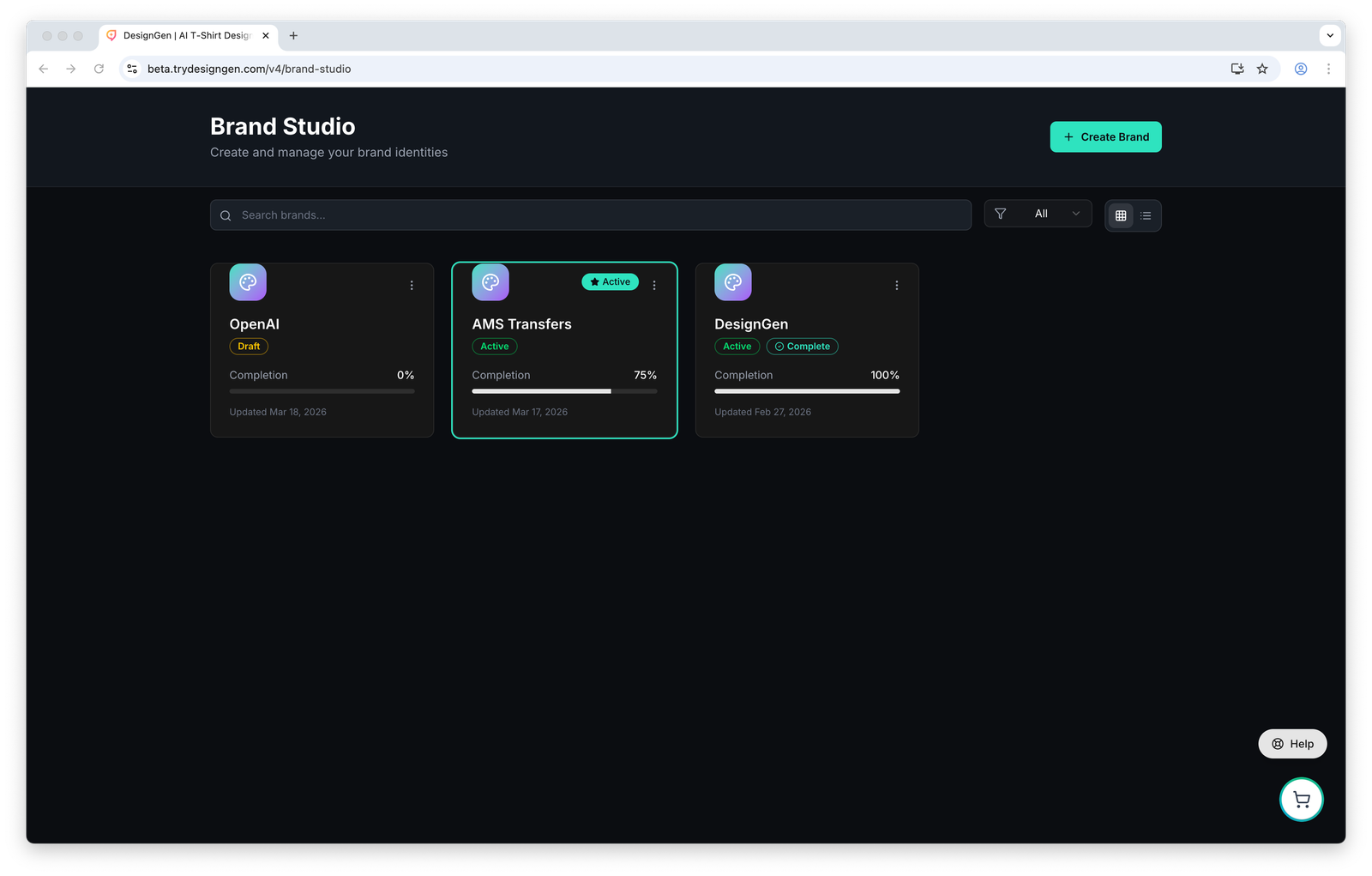
If the brand itself is wrong, start here before you ask other studios to use it.
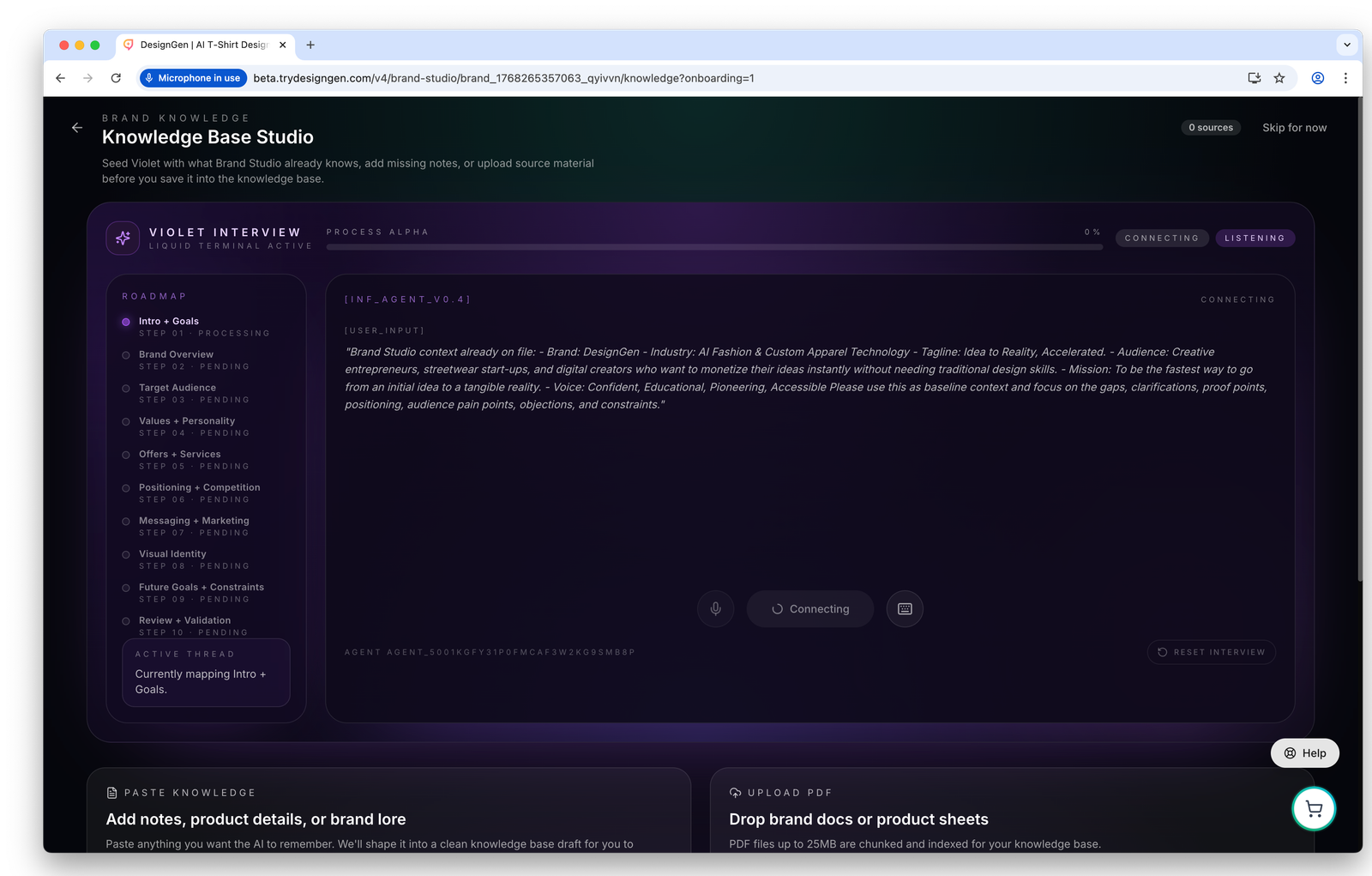
Save facts here when they should outlive one session, one teammate, or one campaign.
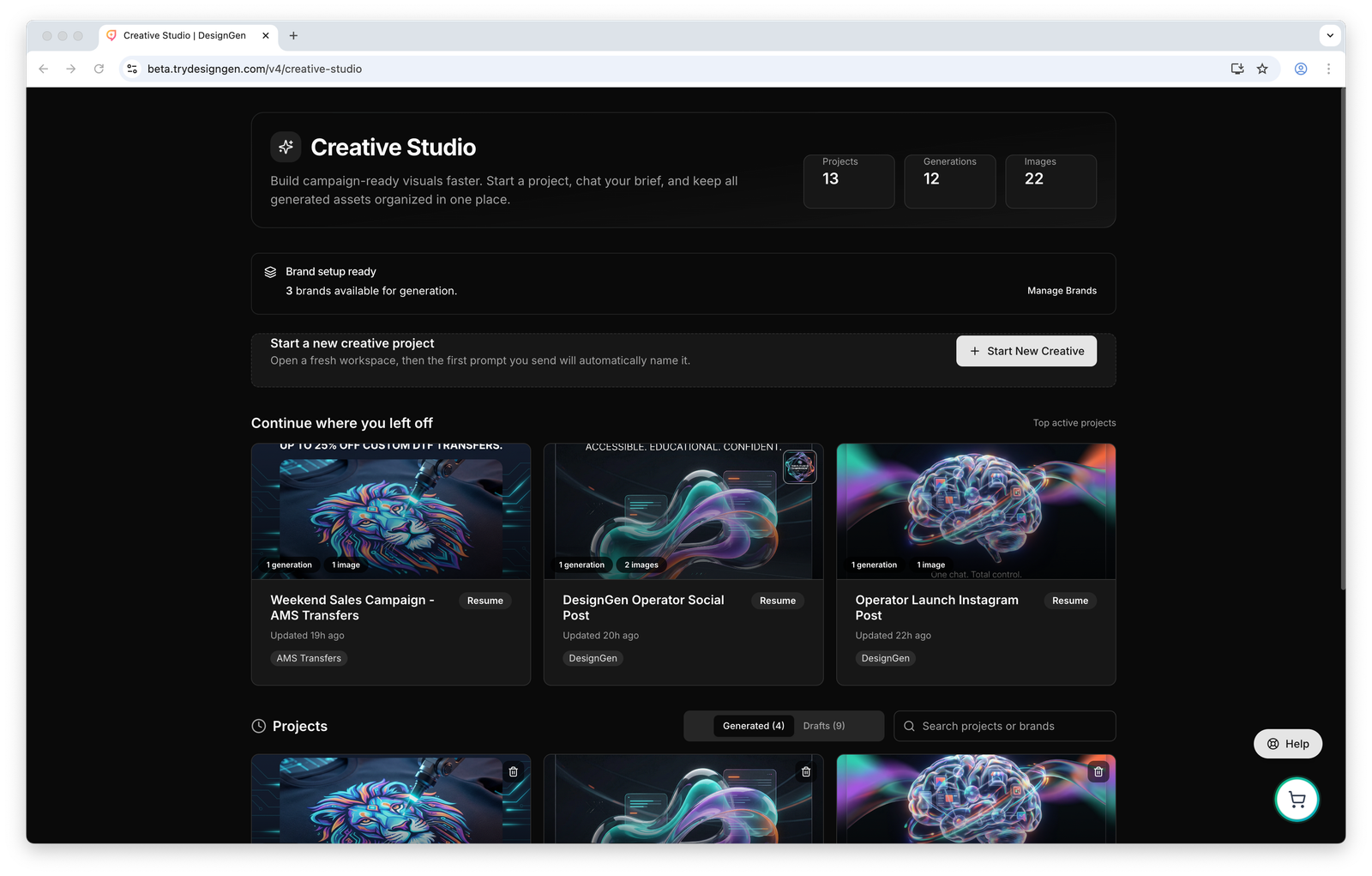
Creative Studio is where approved brand context becomes actual project output.
Recommended first-time setup
- Open Brand Studio and either import an existing website, build the brand manually, or clone a close existing brand.
- Open Knowledge Base Studio and add the facts that people keep repeating in chat: pricing rules, approved language, offer windows, audience pain points, and product details.
- Set the correct brand as Active if most upcoming work should use it by default.
- Use Operator when you need help deciding what to do next, gathering context, or moving one project forward.
- Use Creative Studio when the job is clearly a campaign or asset-production task and you want the brief, chat, references, and outputs to stay together.
The most common mistake: Teams jump into generation before they have a stable brand or reusable knowledge. The result usually looks polished, but generic.
Use this quick diagnosis table
| What feels wrong | Fix it in | Why |
|---|---|---|
| The voice sounds generic or inconsistent | Brand Studio | Voice traits and brand direction need to be corrected at the source. |
| The system keeps missing product facts or offer rules | Knowledge Base Studio | Those facts should be saved for later retrieval, not buried in one thread. |
| One campaign session is messy but the brand is fine | Creative Studio | The brief, references, or output settings for that session need cleanup. |
| You are not sure which studio should handle the next step | Operator | Operator is the safest place to ask before you fork work into the wrong tool. |
Example: Launching a spring capsule
A team already has a main brand, but the spring capsule needs its own look, offer language, and campaign assets.
- They clone the main brand from the Brand Library.
- They update seasonal colors, imagery direction, and voice in the new brand.
- They save capsule-specific facts in the Knowledge Base, including the launch offer, exclusions, and approved claim language.
- They set the capsule brand as Active for the duration of the campaign.
- They use Operator to plan the launch sequence and Creative Studio to create the campaign outputs.
Result: The team stops mixing evergreen rules with launch-specific rules, and the project stays consistent from planning through production.
Visual walkthrough
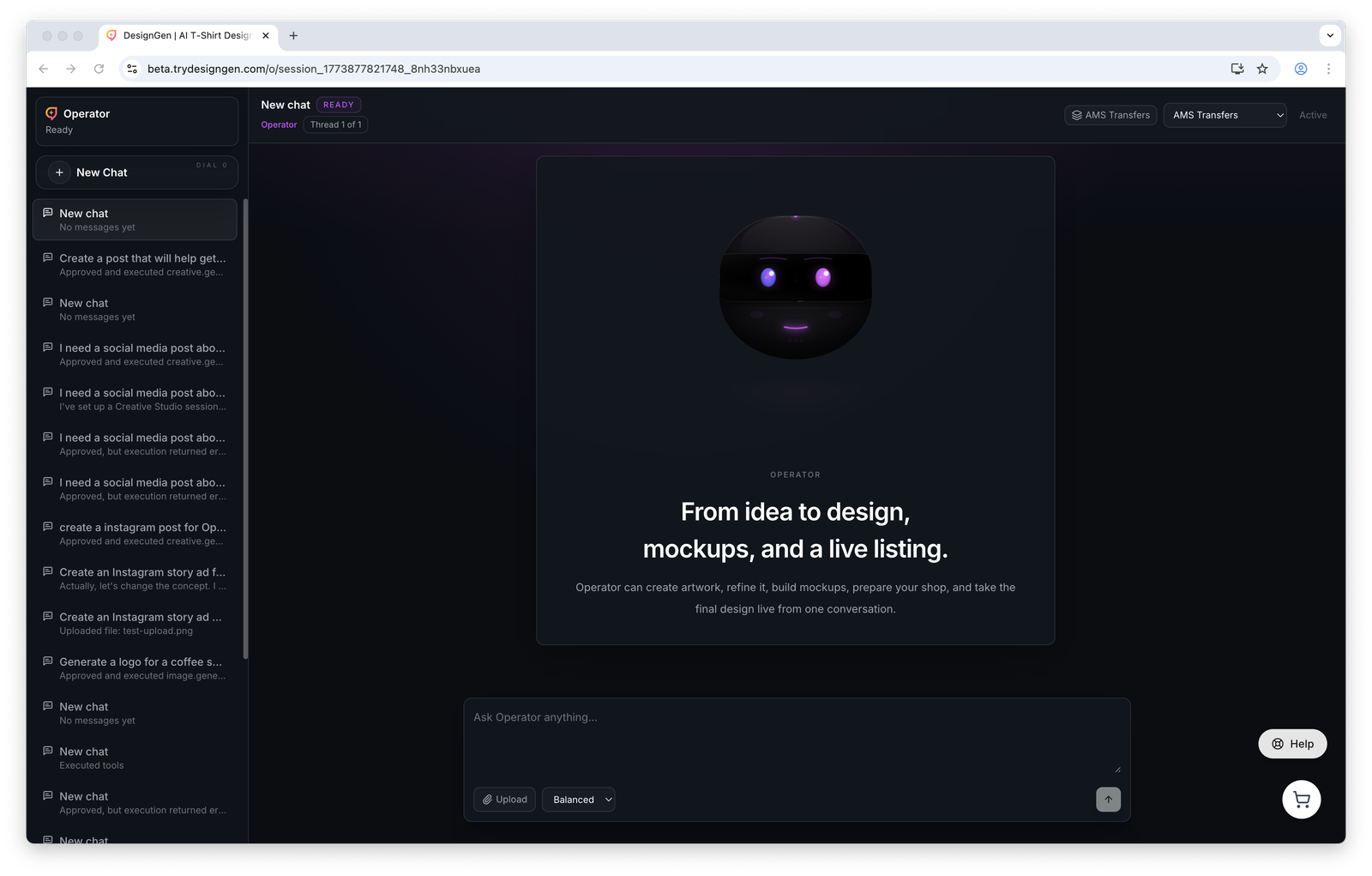
Operator is the place to coordinate work once the brand and knowledge are ready enough to use.