
Help CenterBrand Studio
Brand Studio
Creating, Editing, and Activating Brands
Updated March 19, 2026
5 min read
At a glance
| Topic | Details |
|---|---|
| Best for | Choosing the right setup path for a new brand and getting to a usable first version quickly. |
| Start here | Open Create Brand, then decide whether the brand should start from a public website or from a manual build. |
| Outcome | A usable brand record you can refine immediately, instead of an empty shell. |
Open it now
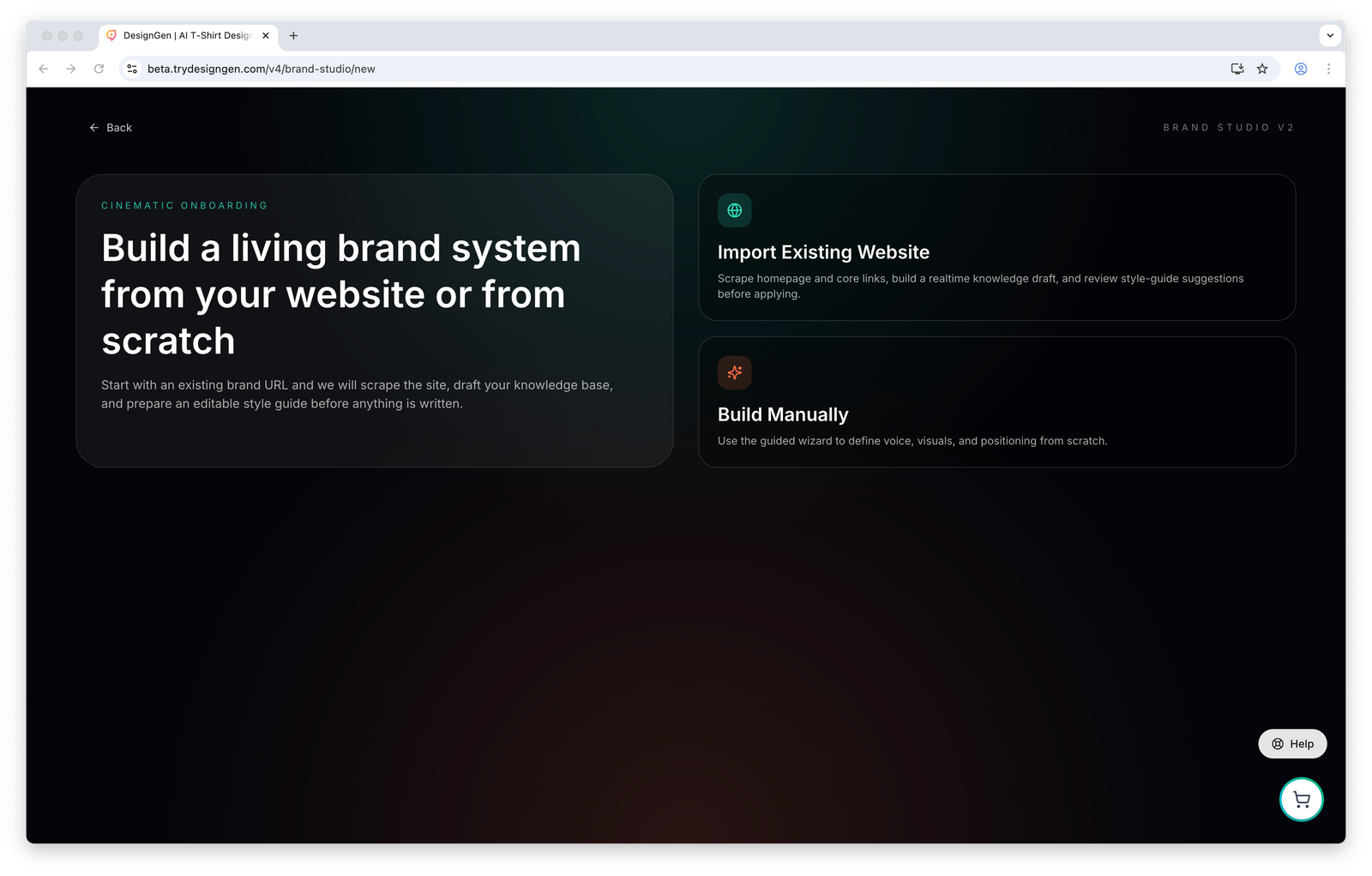
This first choice matters because it changes how much of the brand is drafted for you.
Before you start
- Use website import only with a public
https://site. It is not the right path for localhost, private staging links, orhttp://pages. - Clone is a Brand Library card action, not a choice on the Create Brand page.
- Manual setup gives you a fast starting structure, but you should still review the notebook before you trust it as final brand truth.
Choose the right starting path
| Path | Use it when | What happens next |
|---|---|---|
| Website import | The brand already has a public website with useful copy and design cues. | DesignGen creates the brand record immediately, crawls the site, and prepares a draft style guide plus draft knowledge for review. |
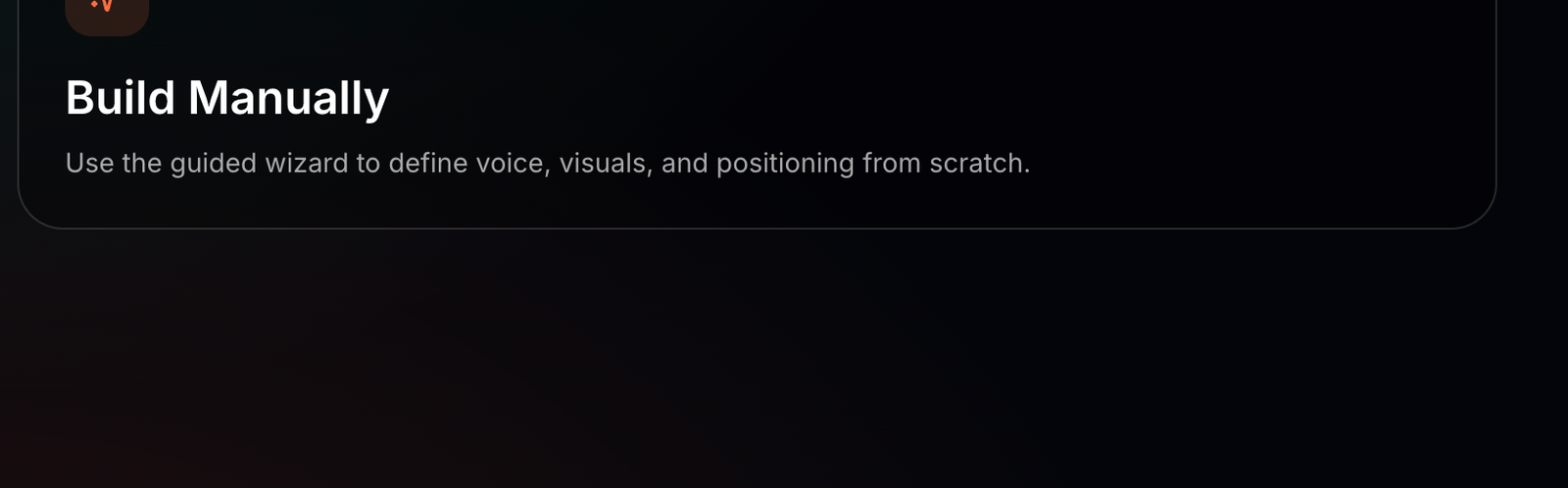
| Build manually | The brand is new, offline, or mostly lives in your head, notes, or internal docs. | You move through the guided setup, then continue into Knowledge Base onboarding. |
| Clone from the Brand Library | You need a close copy of an existing brand for a sub-brand, launch, or experiment. | You keep the existing structure and edit only the parts that should change. |
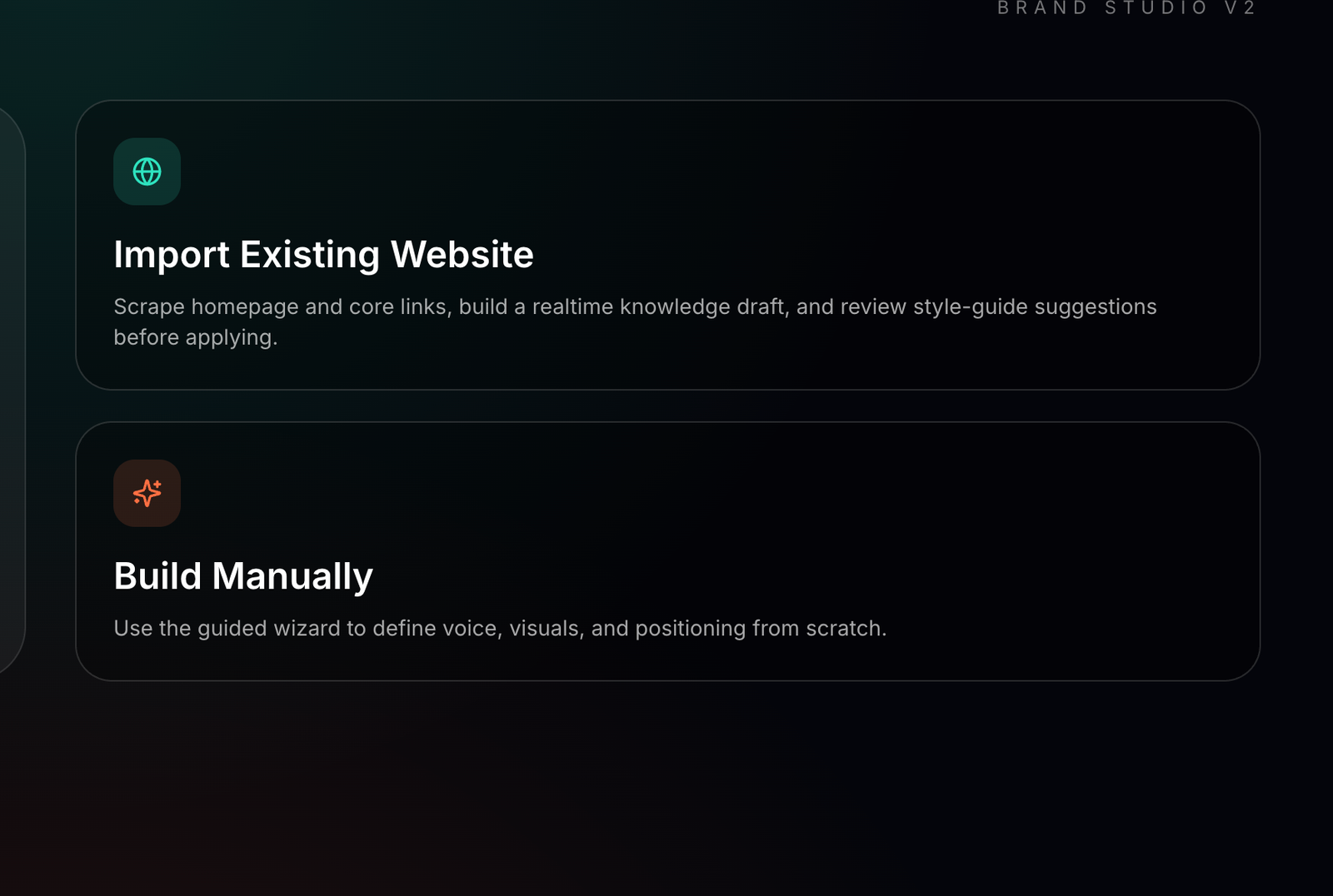
Choose the path that matches your real source of truth, not the one that merely looks faster.
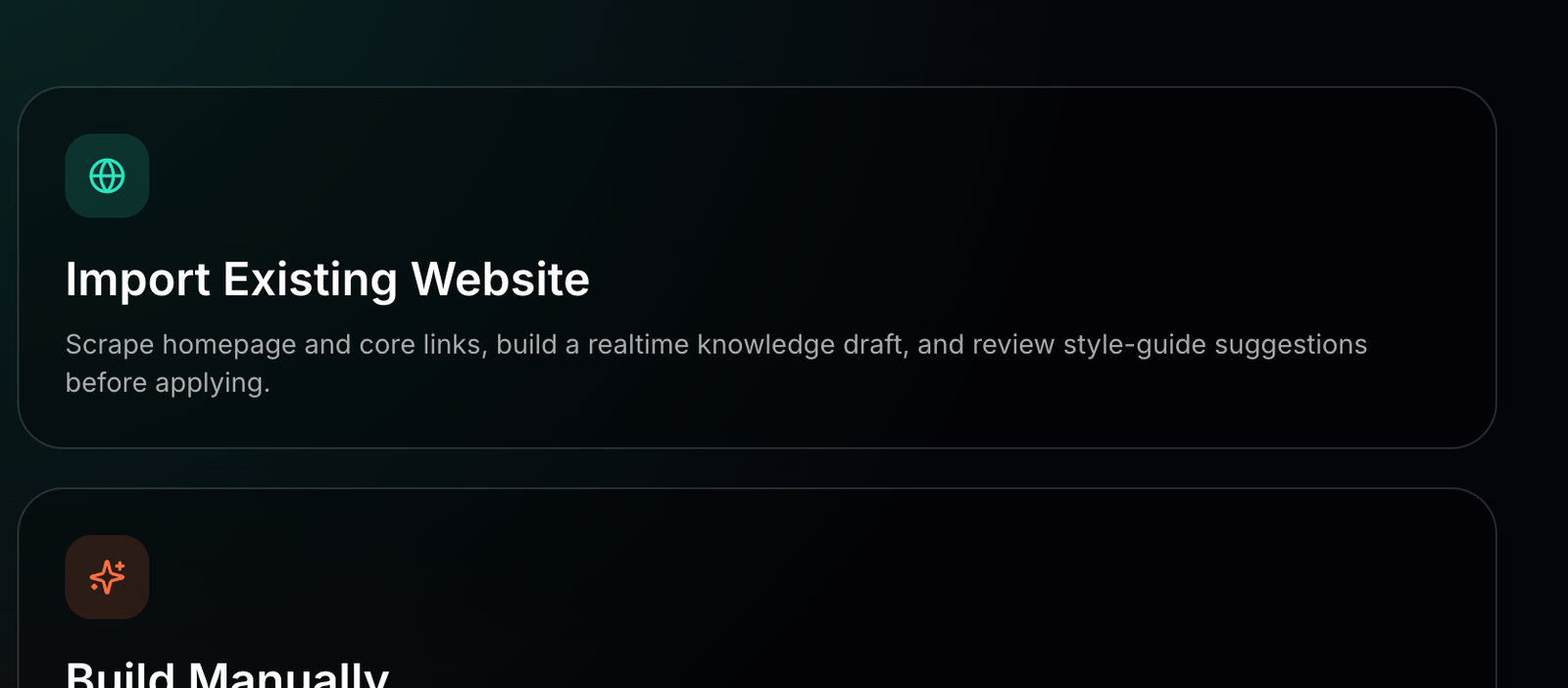
Website import is best when the live site already reflects the brand well enough to seed a draft.
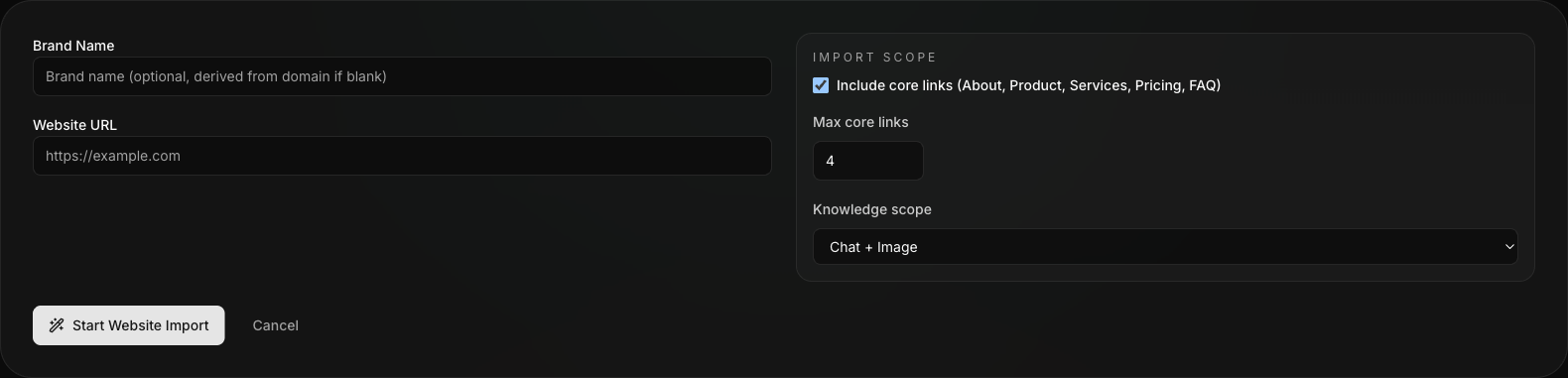
This is the real import form: optional brand name, public website URL, crawl scope, max core links, and knowledge scope.
Manual build is better when the website does not exist yet or is not reliable enough to import from.
Website import: step by step
- Enter Brand Name if you want to override the name that would otherwise be derived from the domain.
- Enter the Website URL using a public
https://address. - Decide whether to keep Include core links on. This follows common pages such as About, Product, Services, Pricing, and FAQ.
- Set Max core links to control how wide the crawl should go.
- Choose the Knowledge scope:
Chat + Image,Chat only, orImage only. - Click Start Website Import.
- Wait for the crawl and draft generation to finish.
- Review the draft style guide and draft knowledge carefully before you apply anything.
- Click Apply Style Guide + Save Knowledge only after the draft is good enough to keep as a starting point.
- Use the follow-up actions to open the Brand Editor or Knowledge Base Studio immediately.
Important: Website import is a starting draft. It should save setup time, not replace human review.
What happens after you click Start Website Import
- A new brand record is created right away.
- The crawler gathers homepage signals and optional core-link content.
- DesignGen prepares a draft style guide and a draft knowledge package.
- You review the draft before it becomes the saved starting point for the brand.
Manual build: step by step
- Choose Build Manually.
- Work through the guided wizard for voice, visuals, and positioning.
- Finish the wizard and continue into the Knowledge Base onboarding flow.
- Open the brand editor and refine the notebook sections that still sound generic, incomplete, or repetitive.
- Add the missing business facts before you call the brand ready for real work.
When cloning is the better move
- A seasonal campaign should feel related to the parent brand but not identical.
- A sub-brand needs most of the same brand system, with a few controlled differences.
- You want to experiment without risking the main active brand.
How to activate the right brand
- Return to the Brand Library after the setup is good enough to drive work.
- Find the correct brand card.
- Use Set as Active from the card or editor controls.
- Confirm that Operator and Creative Studio are now preferring the right brand.
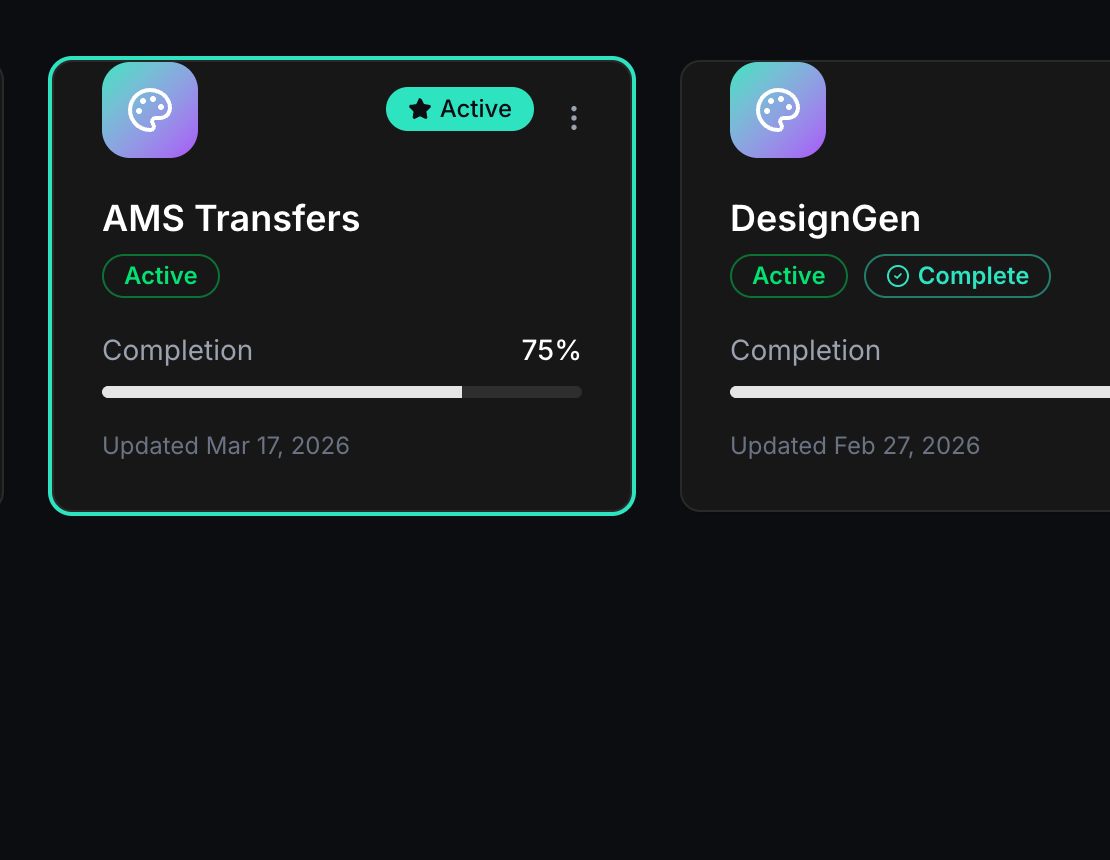
Use Active intentionally. It changes which brand future work will prefer by default.
Example: Existing brand with a real website
A company already has a marketing site and wants to launch quickly.
- They choose Website import.
- They keep the crawl tight by limiting core links.
- They review the draft instead of trusting it blindly.
- They apply the usable parts.
- They open Knowledge Base Studio right away and add missing claims, offer rules, and proof points.