
Help CenterCreative Studio
Creative Studio
Creative Studio Overview
Updated March 19, 2026
3 min read
At a glance
| Topic | Details |
|---|---|
| Best for | Running campaign work in saved sessions instead of one-off prompts. |
| Start here | Use Creative Studio once the brand and key facts are good enough to guide the work. |
| Outcome | A reusable project workspace with chat, references, outputs, and follow-up work in one place. |
Open it now
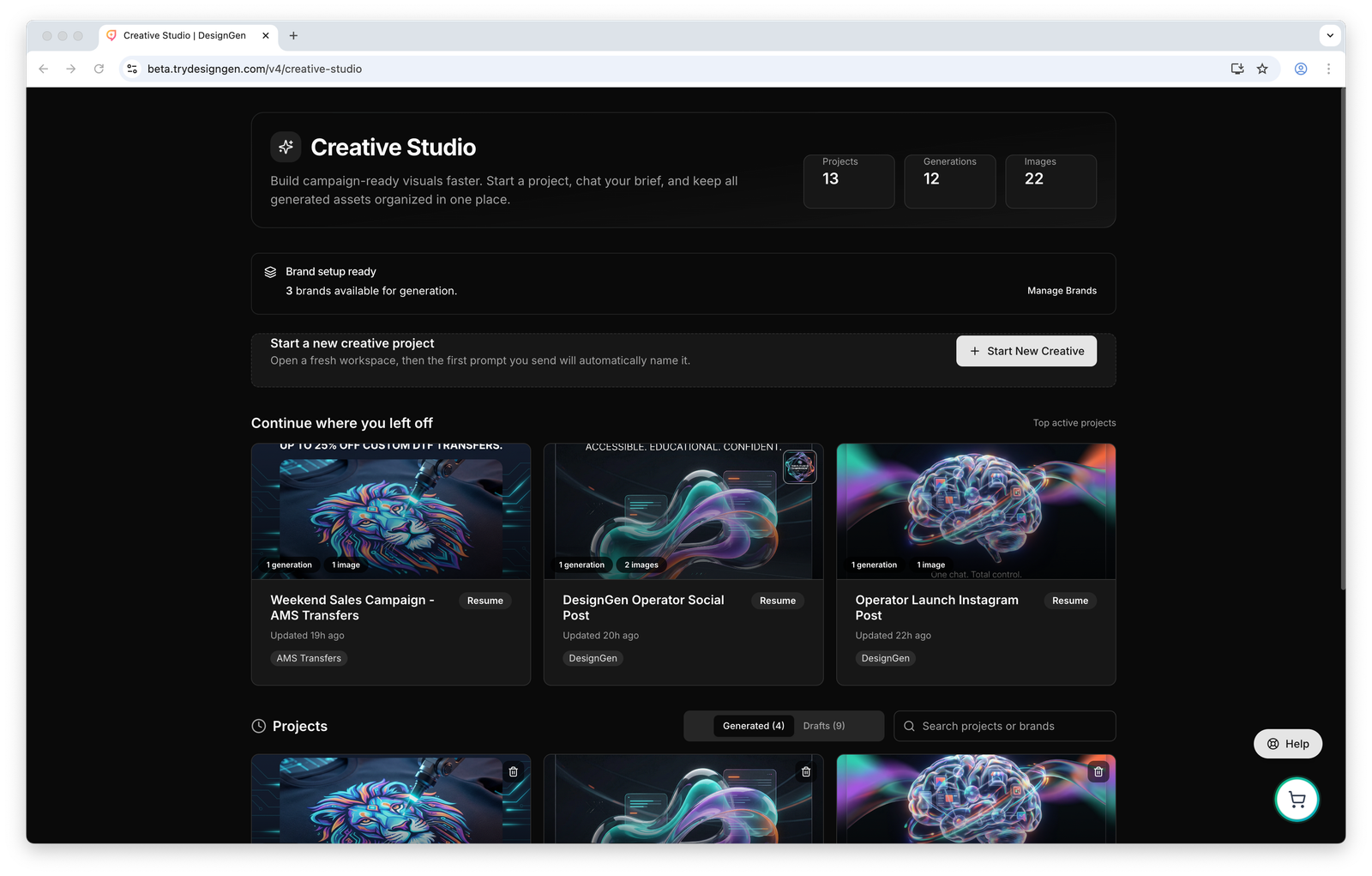
The Creative Studio home page is built around project continuity: start a new session or return to one that already has context.
Before you start
- Use one session per real campaign or project. Creative Studio works best when each session has a clear job.
- Expect the selected brand to hydrate the session automatically when available.
- Starter prompts are meant for fresh sessions. They are not a persistent template that reloads into every old session.
What the home page is for
- Start a new project.
- Resume a recent project.
- Search older work instead of starting over.
- Review generated work and drafts from the same workspace.

Use the main start action when the job is new and deserves its own session.
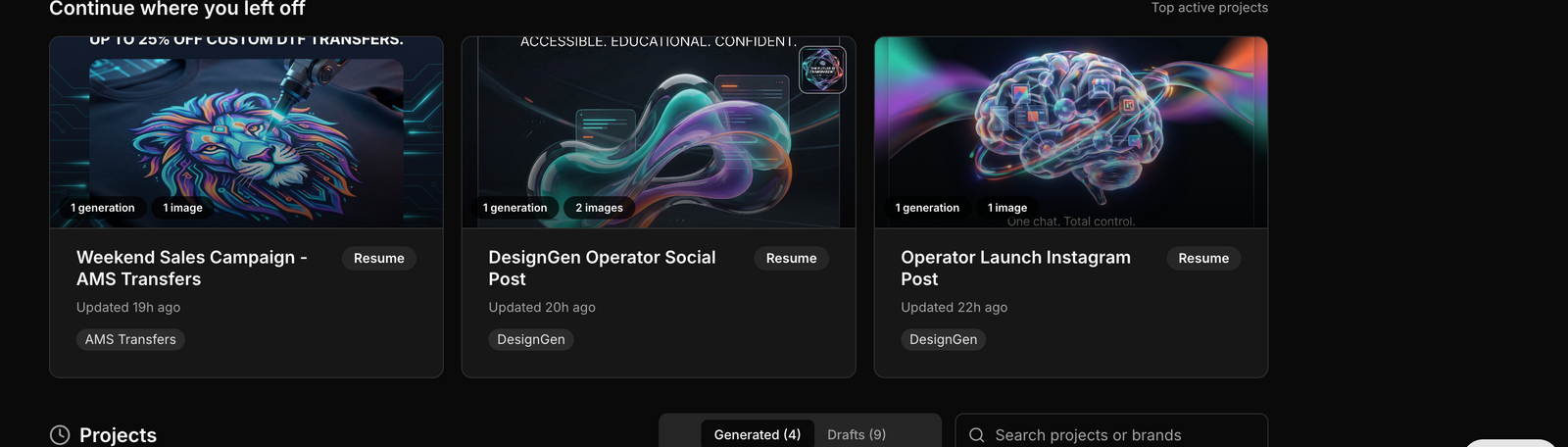
The recent project cards matter because real campaign work usually takes more than one sitting.
Recommended session flow
- Start a project and confirm the brand before you generate anything.
- Use the assistant to shape the first direction.
- Add references if the visual direction matters more than the wording of the prompt.
- Review the first outputs before you ask for more.
- Keep the good direction in the brief so the session stays coherent.
- Return later if you need copy, more variants, or a video handoff from the same campaign.

Search is one of the easiest ways to save time. Teams lose quality when they rebuild work they already did once.
When Creative Studio is the right choice
- You need campaign output, not just planning.
- You want the images, notes, and follow-up work to stay together.
- You expect to come back to the same project later.
- You want the brand system to keep influencing the work as you iterate.
Example: One campaign, three deliverables
A team needs a hero image, two social variations, and matching headline options.
- They start one Creative Studio project for the campaign.
- They use the assistant to lock the direction.
- They save the best still, request two follow-up variations, and then generate companion copy from the same session.
Why this works: The project stays in one place, so the copy and image work do not drift apart.
Visual walkthrough

Use the brand-ready state as a checkpoint before you launch into a generation-heavy session.