
TrendTap Plans, Eligibility, and Troubleshooting
At a glance
| Topic | Details |
|---|---|
| Best for | Understanding what each plan includes, how personalization works, what causes pauses, and how to fix common issues. |
| Start here | Check your current plan in Settings. If you are on Free, you see global reports. If you are on Pro or Enterprise, you get personalized missions. |
| Outcome | You know exactly what your plan includes, how to get the most from TrendTap, and how to solve the most common issues. |
Open it now
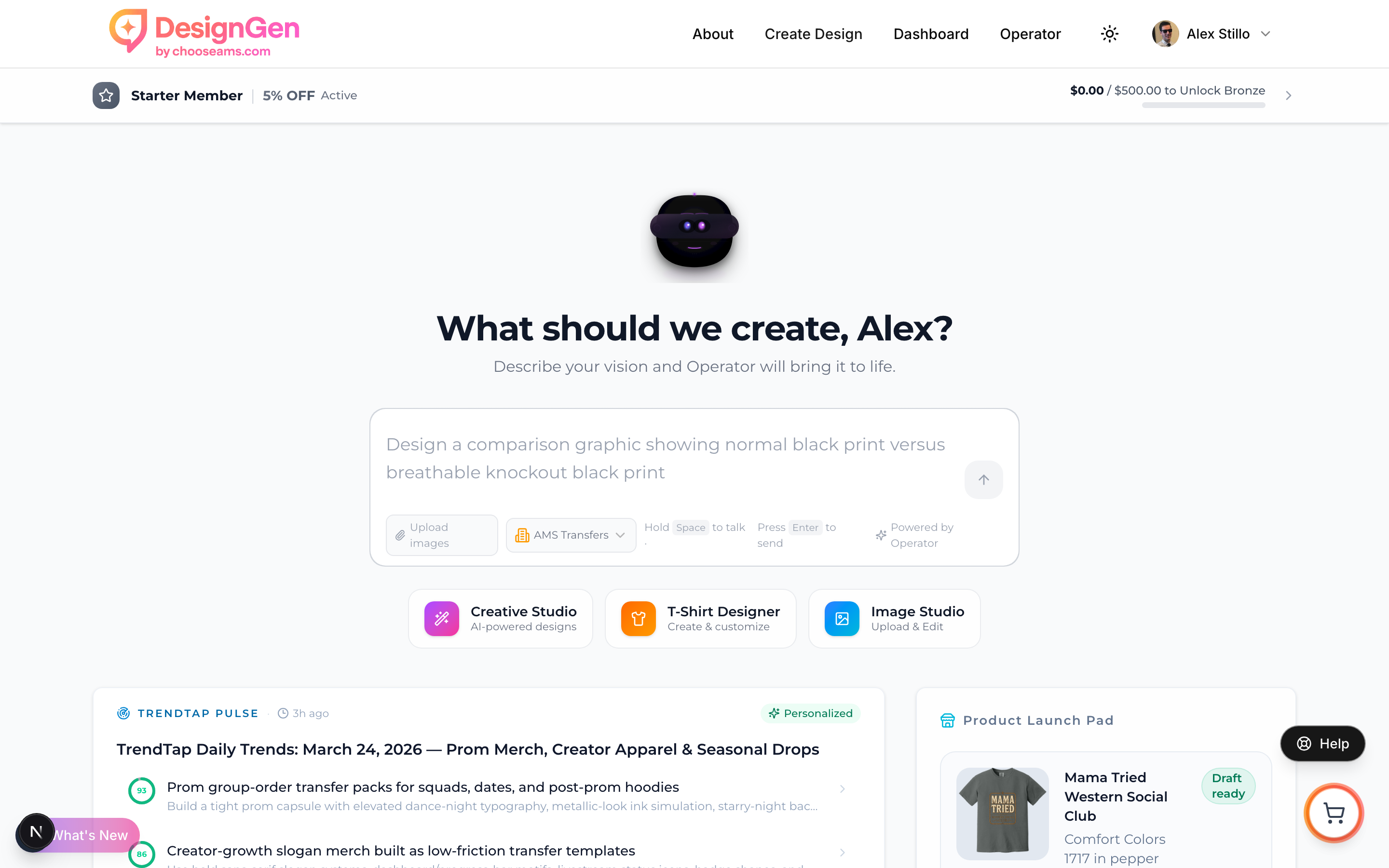
All users see the TrendTap card on the dashboard. Free users see global trend highlights, while Pro and Enterprise users see personalized opportunities with fit scores.
Before you start
- TrendTap has features available to all plans and features exclusive to Pro and Enterprise.
- Personalization requires a brand profile. If you just upgraded, make sure you have a brand set up in Brand Studio.
- TrendTap automatically pauses personalized brief generation after 14 days of inactivity to conserve resources.
What each plan includes
| Feature | Free | Pro ($399/mo) | Enterprise |
|---|---|---|---|
| Global trend reports (Intelligence tab) | ✓ | ✓ | ✓ |
| Public shareable trend reports | ✓ | ✓ | ✓ |
| Dashboard TrendTap card (global highlights) | ✓ | ✓ | ✓ |
| Personalized missions with fit scores | — | ✓ | ✓ |
| Hero mission with design direction | — | ✓ | ✓ |
| Product idea pills | — | ✓ | ✓ |
| Quick wins | — | ✓ | ✓ |
| Niche Radar (web research) | — | ✓ | ✓ |
| Strategy panel (watchouts + next steps) | — | ✓ | ✓ |
| Evidence trail with sources | — | ✓ | ✓ |
| Auto-generated daily briefs | — | ✓ | ✓ |
| Email and SMS notifications | — | ✓ | ✓ |
| Team features | — | — | ✓ |
| Priority pipeline processing | — | — | ✓ |
How personalization works
TrendTap personalization uses three sources of context from your account:
- Brand profile — Your brand's style tags, color palette, imagery direction, and voice from Brand Studio.
- Design history — Your recent designs, including the subjects, keywords, and styles that appear most often.
- Brand memories — Saved knowledge from your Brand Knowledge Base, including audience info, product details, and constraints.
The more data TrendTap has about your brand, the better your fit scores and design directions become. A brand with 20+ designs, complete style tags, and a Knowledge Base will get significantly better missions than a brand with just a name.
First brief delay: Your first personalized brief may take a few minutes to generate after you upgrade. Subsequent briefs are generated nightly and ready when you wake up.
Auto-pause after 14 days of inactivity
To conserve resources, TrendTap automatically pauses personalized brief generation when you have not engaged with the feature for 14 days.
What counts as engagement:
- Opening your personalized brief (viewing the Missions tab)
- Viewing the evidence section
- Viewing visual assets
- Running Operator with brief context (clicking any design CTA)
What happens when you are paused:
- Nightly brief generation stops for your account.
- Your last brief remains visible — it is not deleted.
- Global reports on the Intelligence tab are still accessible.
- Your dashboard card continues to show global trend highlights.
How to resume:
Simply visit TrendTap and view your brief. Any engagement event automatically resumes your account. Your next personalized brief will be generated in the following nightly run.
No penalty: There is no penalty for being paused. Your account resumes instantly when you return, and your next brief generates on the next nightly cycle.
The eligibility gate
Free users who visit the Missions tab see a blurred preview of what personalized missions look like, along with a prompt to upgrade.
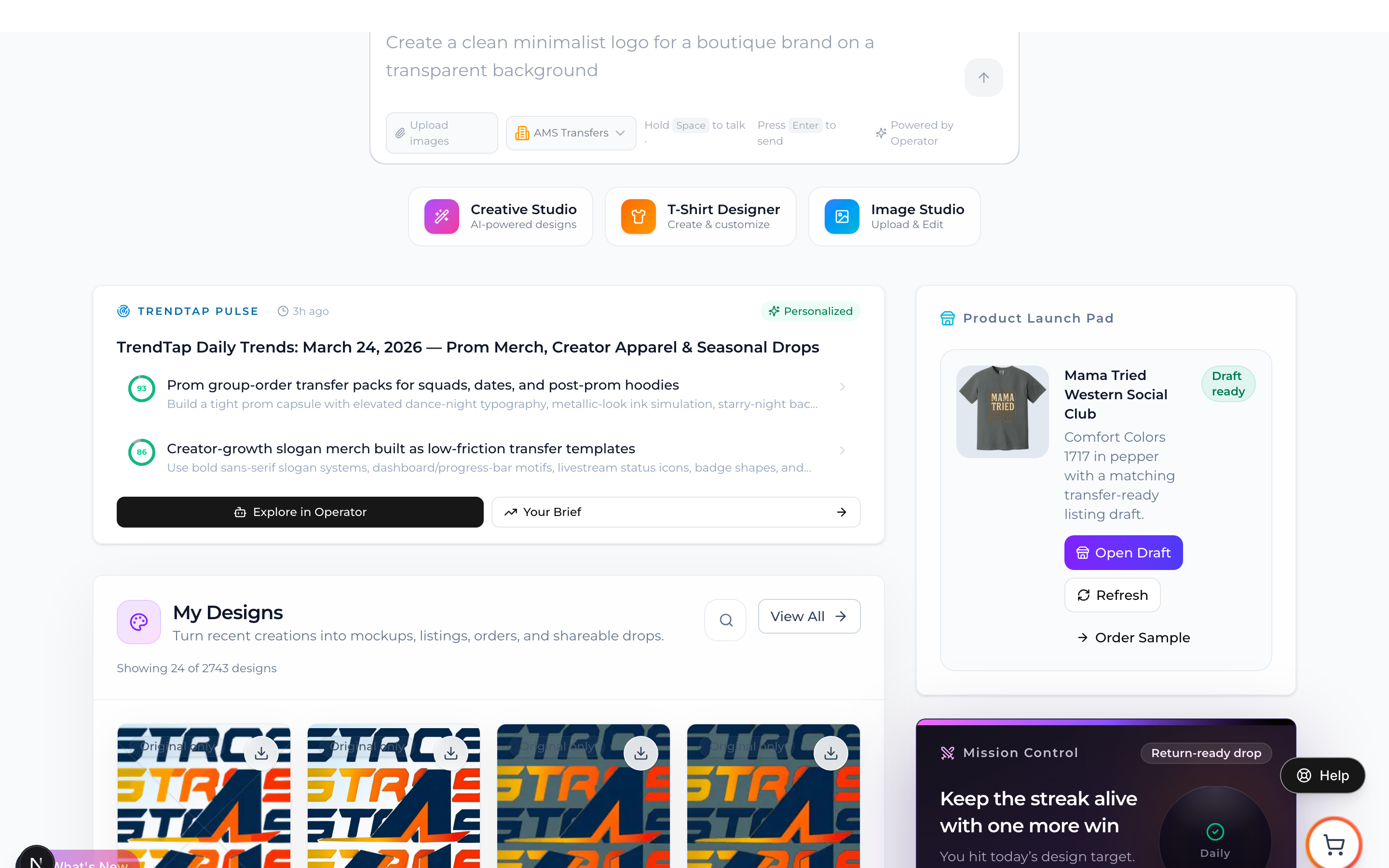
Pro users see personalized opportunities with fit scores directly on the dashboard card.
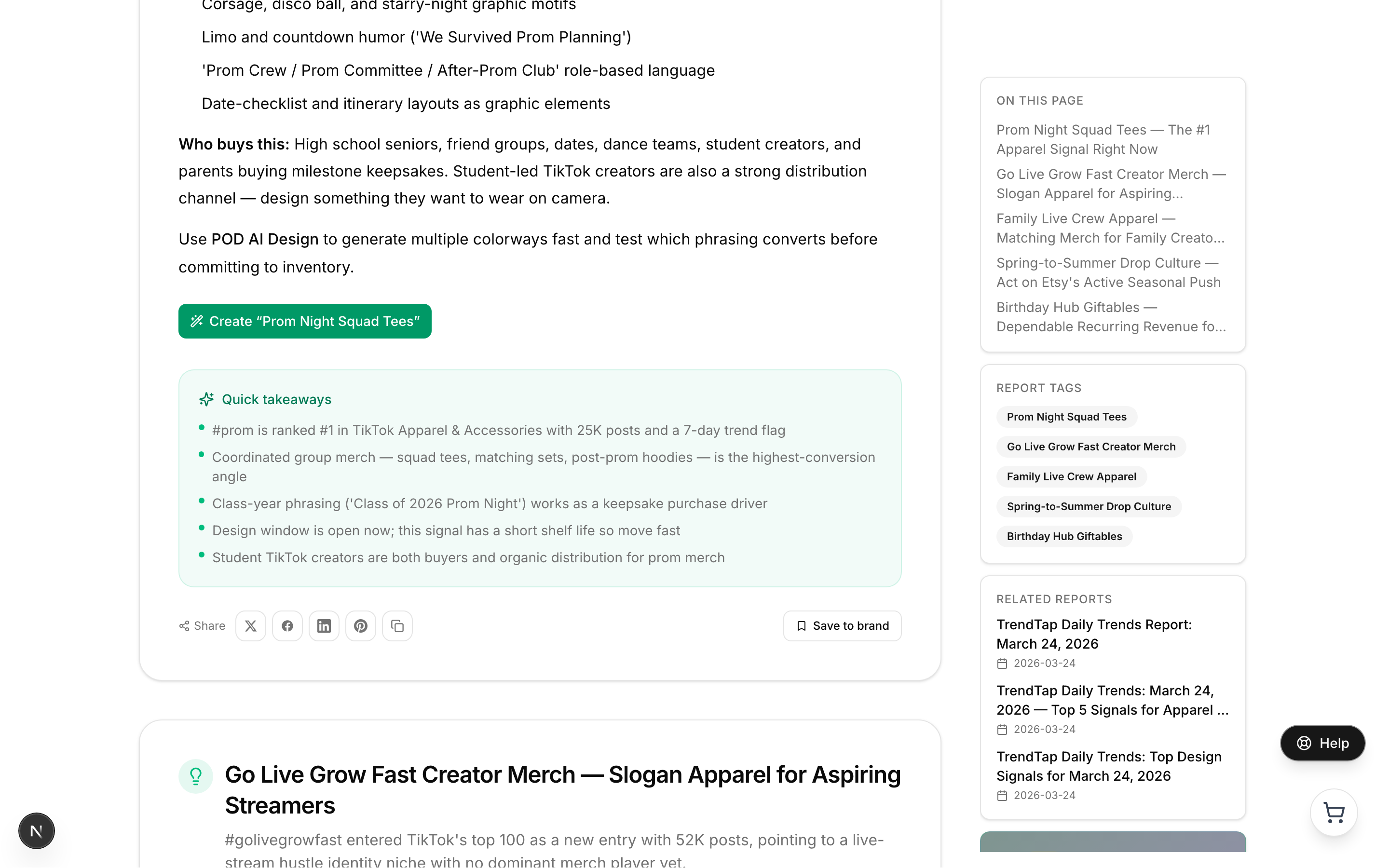
All users can access public trend reports. Each report includes share buttons, quick takeaway bullets, and action CTAs to create designs.
The Intelligence tab, published reports, and the dashboard card's global trend view are always available regardless of plan.
Troubleshooting
| Issue | Likely cause | Solution |
|---|---|---|
| My brief has not updated today | Pipeline runs at 4:45–5:15 AM UTC | Check back after 5:30 AM UTC. If it is still old, click the Regenerate button in the header. |
| Missions feel generic, not personal | Thin brand profile | Add more style tags, subjects, and designs in Brand Studio. Upload past designs for analysis. Add knowledge to the Knowledge Base. |
| I do not see Niche Radar | Free plan or insufficient niche data | Upgrade to Pro. Niche Radar also needs a few days of data before signals appear. |
| I was getting briefs but they stopped | Auto-paused after 14 days of inactivity | Open TrendTap and view any brief. Your account resumes automatically. |
| The dashboard card says "Collecting today's signals" | First-time user or pipeline not yet run | Wait until after 5:30 AM UTC for the pipeline to complete. First-time users may need to wait for one full cycle. |
| "New" badge stays even after reading | Browser cache or slow write | Refresh the page. Read state is written 3 seconds after viewing, so give it a moment. |
| I upgraded to Pro but still see global only | Plan change not yet reflected | Log out and back in to refresh your session. Your next nightly run will generate a personalized brief. |
| Email notifications are not arriving | Toggle is off or email in spam | Check Settings → Preferences → TrendTap Notifications. Also check your spam folder. |
| SMS toggle is greyed out | No phone number on profile | Add a phone number in your profile settings, then toggle SMS on. |
Example: Upgrading and getting your first personalized brief
You have been using TrendTap on a free plan and want to see personalized missions.
- You upgrade to Pro on the pricing page.
- You log out and back in to refresh your session.
- You open TrendTap. The Missions tab now shows a loading state as your first personalized brief generates.
- After 1–2 minutes, your hero mission appears with a fit score, design direction, and product ideas.
- You click "Design This Now" and Operator opens with the direction pre-loaded.
- The next morning, your daily brief is already waiting — generated overnight by the nightly pipeline.
Tip: Before upgrading, make sure you have a brand set up in Brand Studio with style tags and at least a few designs. This gives TrendTap the context it needs to personalize your very first brief.
Visual walkthrough
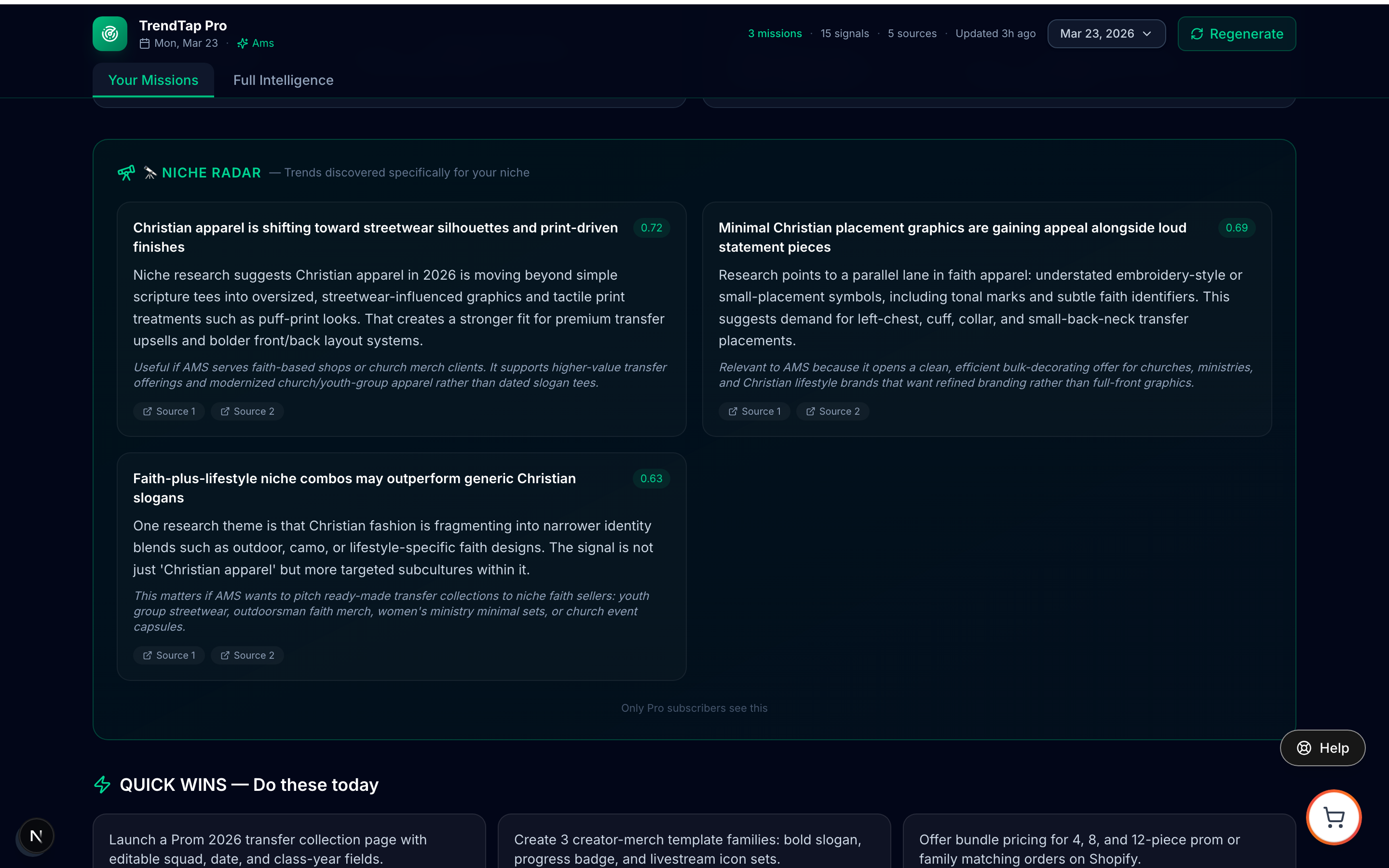
Niche Radar is exclusive to Pro and Enterprise plans.
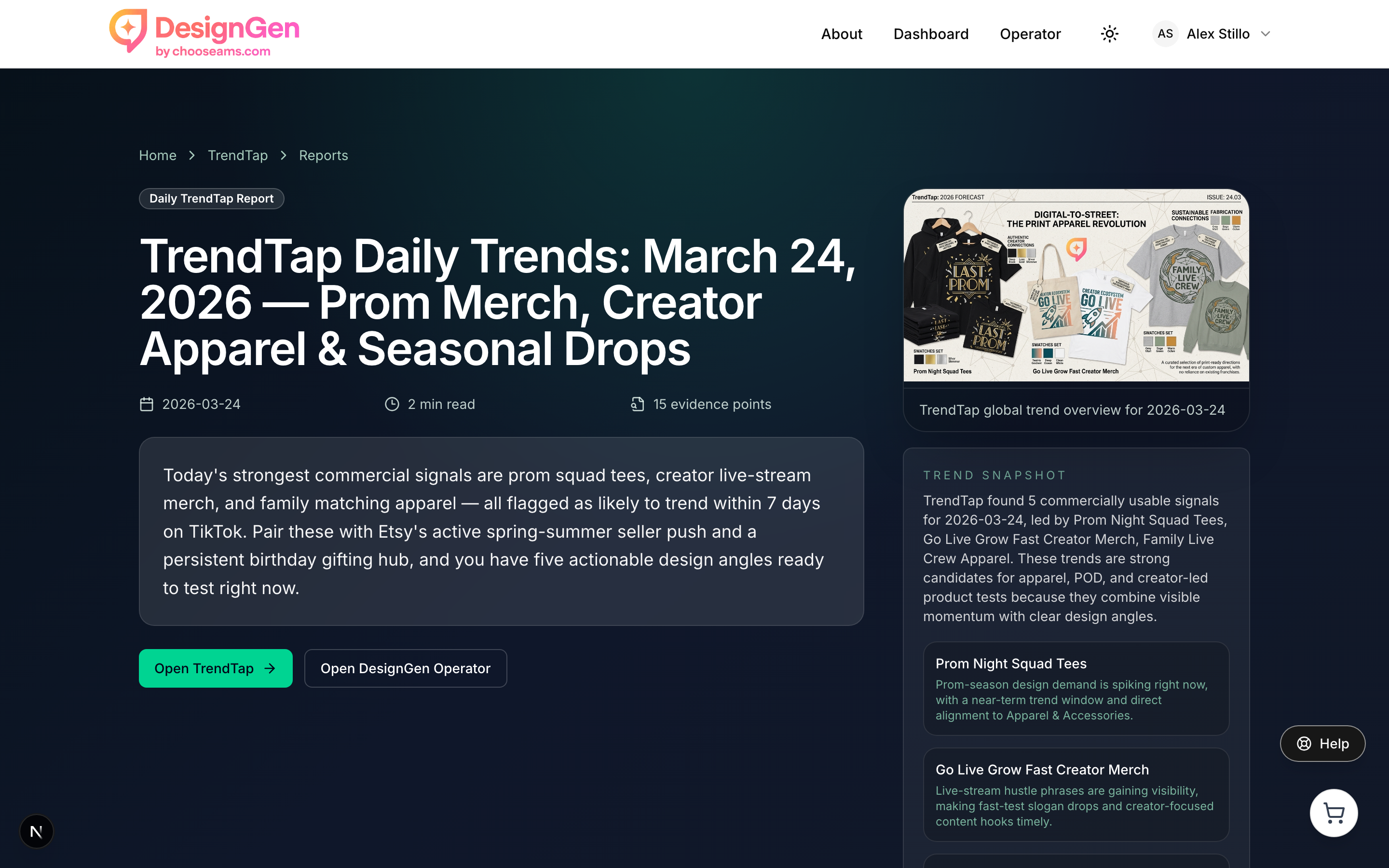
Published trend reports on the Intelligence tab are available to all users.